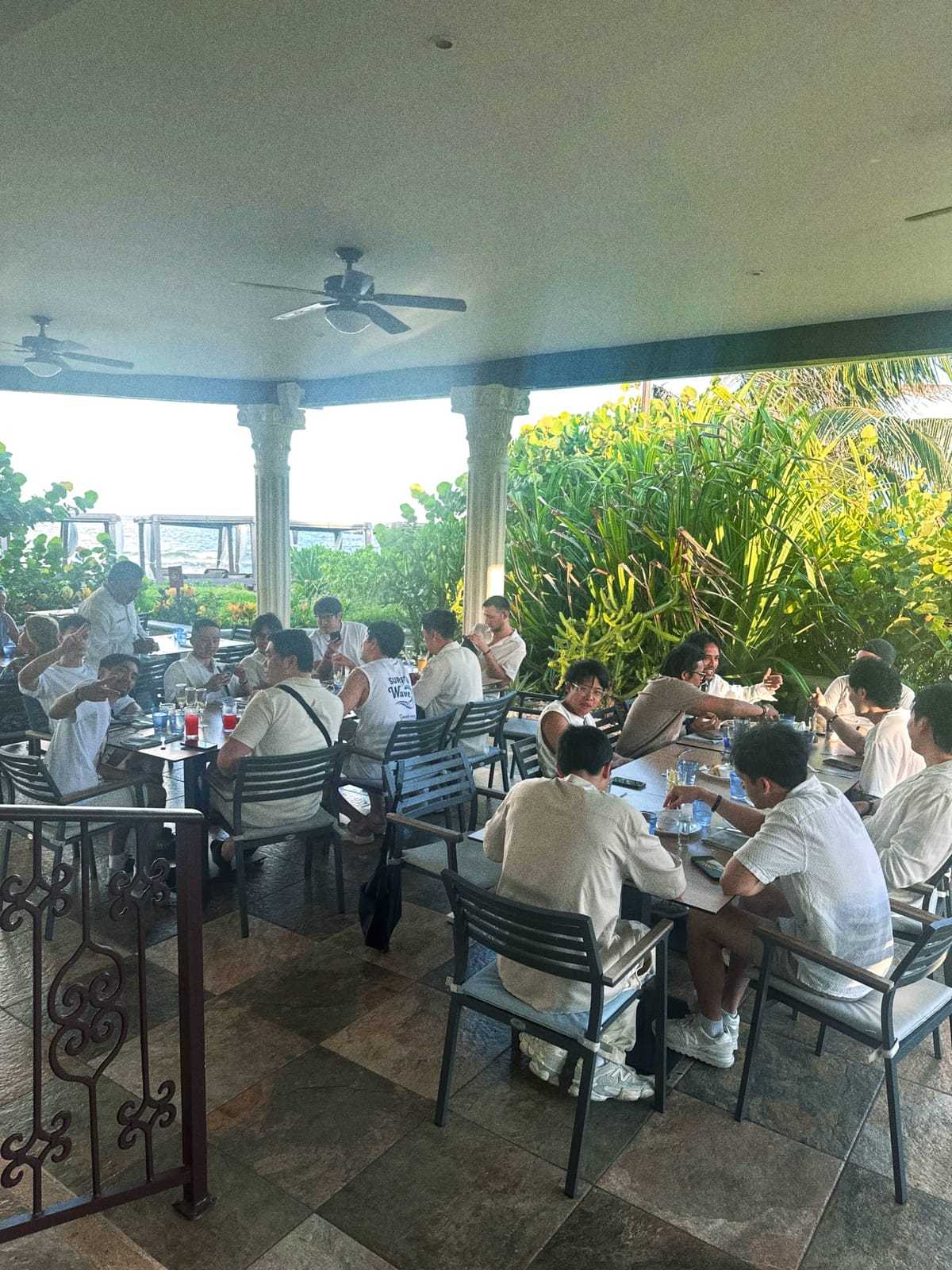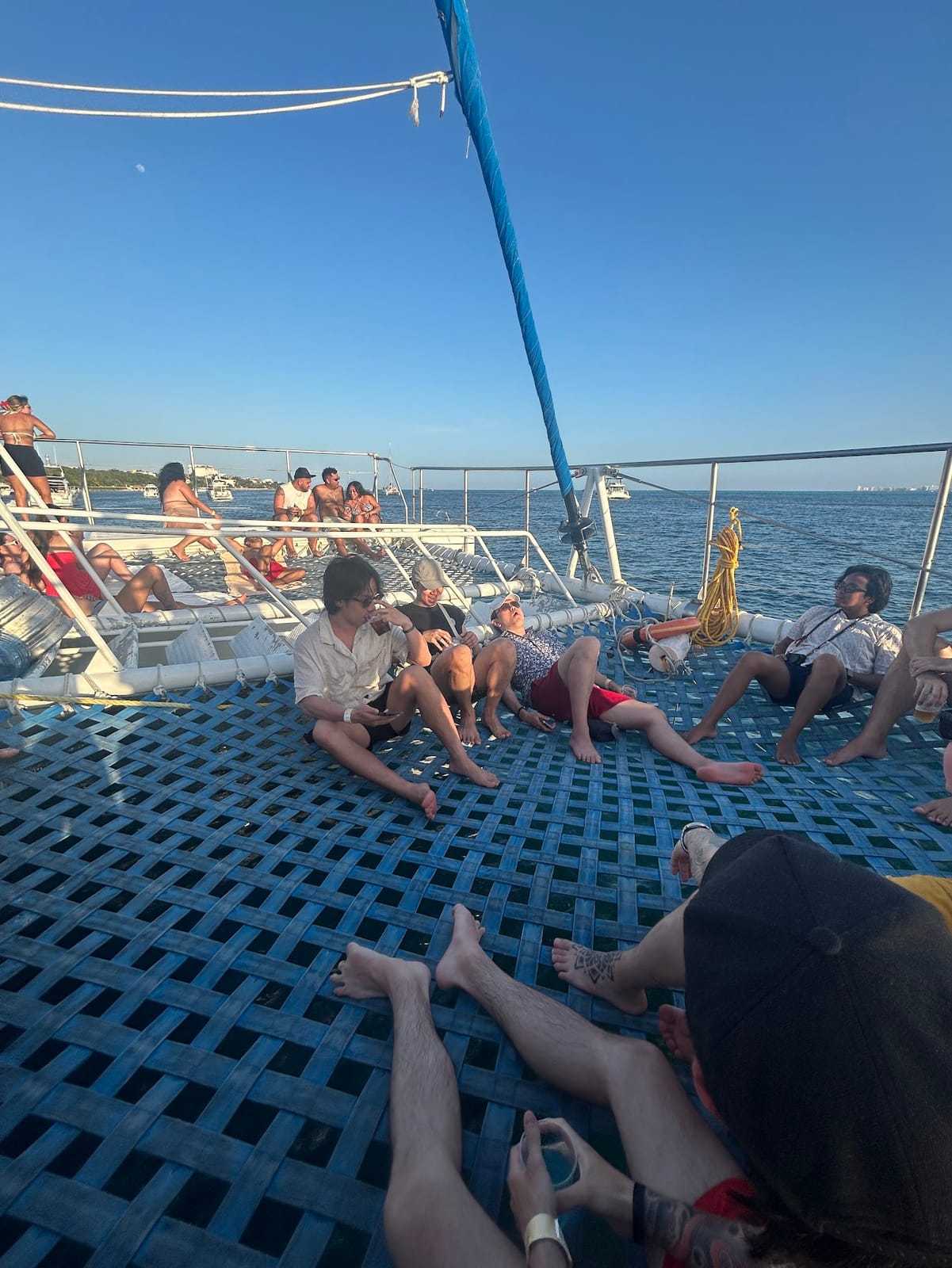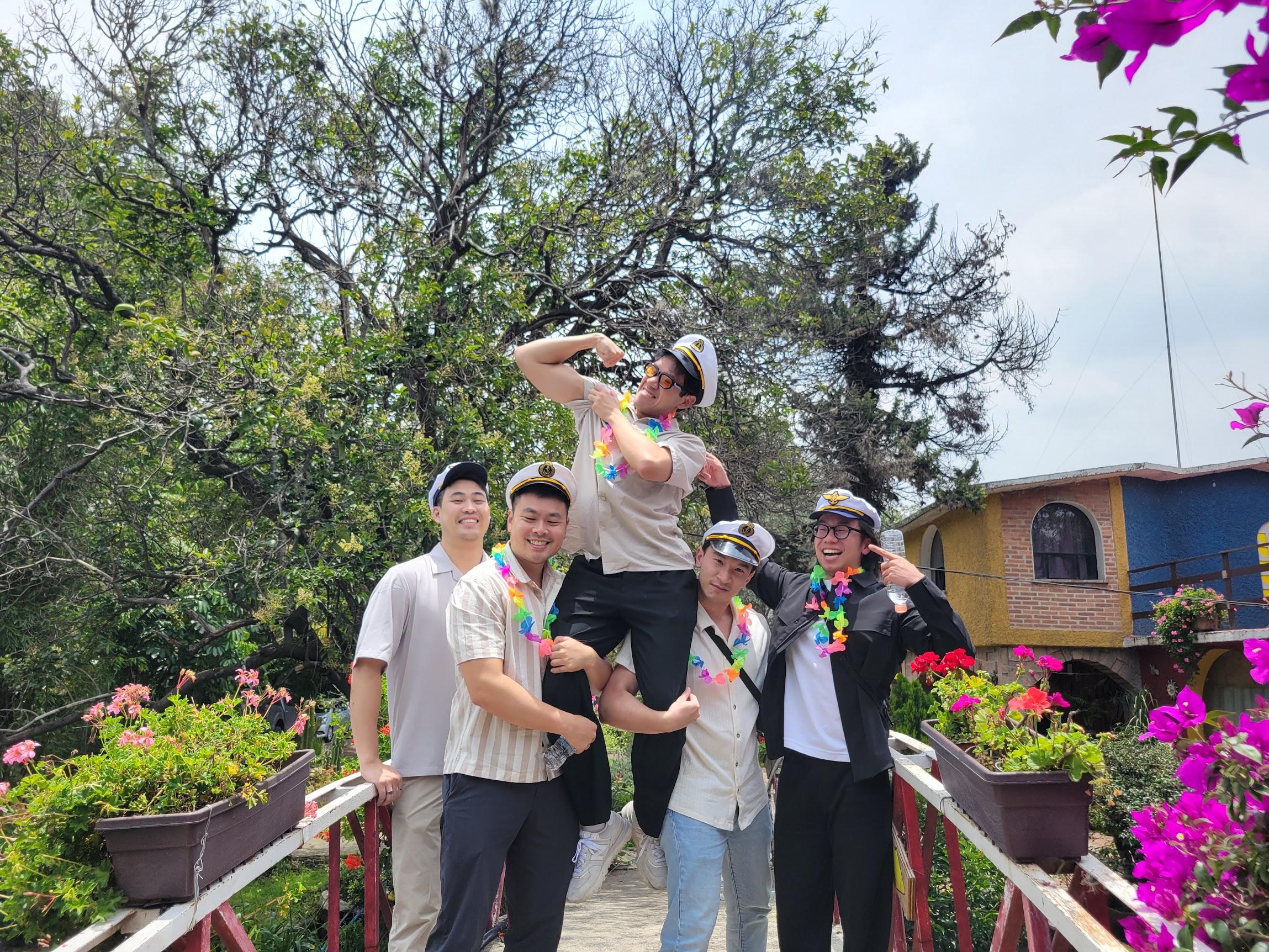
Team offsites are where a lot of the good team moments happen: the workshop that went off the rails, the dinner where everyone finally relaxed, the hike nobody trained for. Then everyone flies home and the photos stay on a dozen phones.
A shared camera puts them in one album, and it doubles as the recap.
How it works
Whoever's organizing creates a Dispo88 camera and shares the link in the offsite channel. Everyone opens it on their phone and shoots throughout the trip. No app to install, no account. Every photo goes into one album.
Each photo develops for an hour before it appears, so nobody's reviewing shots in the middle of a session.
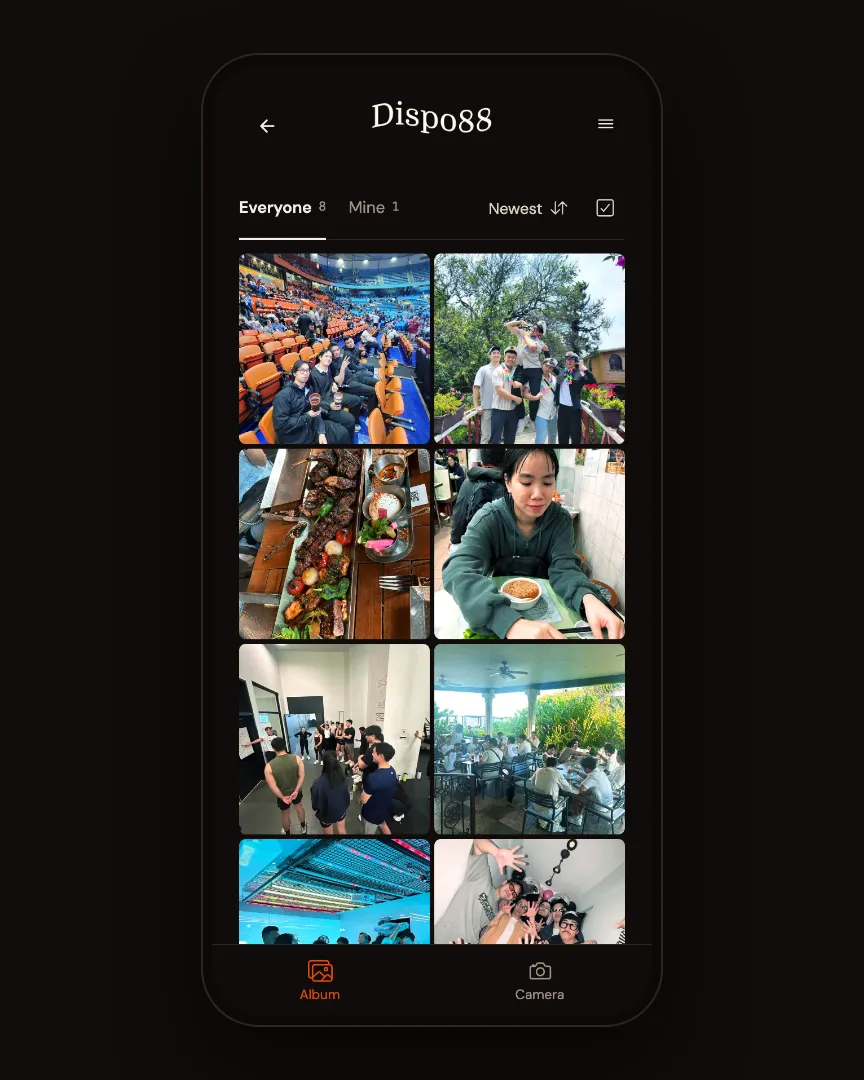
The whole offsite, in one album.
Shots worth getting
- Arrival day, everyone at the venue for the first time
- The working sessions: whiteboards, sticky notes, the breakout groups
- Team activities, whatever your offsite's version is
- Meals, especially the big team dinner
- The candid stuff: the late-night card game, the walk back to the hotel
- One group photo, early in the trip, while everyone still looks fresh
Which tier?
For a team trip, upgrade the camera to Crew ($8.88 CAD, one time). You get unlimited photos. On every tier, everyone can browse every photo from the offsite.
For a bigger company retreat, Event ($39 CAD) adds a printable QR poster for the venue and Export all photos as a zip, handy for the internal recap or the next all-hands. Compare tiers
The recap
Share the album link in the team channel once the last photos have developed. Make a Memory Reel for the recap post: a short vertical video, made in your browser, no watermark.