Office parties occupy a weird space.
You want to capture the moment — it's a real event, people are dressed up, there's usually cake involved — but there's also an unspoken agreement that nobody should be the person who spends the whole time pointing a phone at people.
The designated photographer role doesn't work well at a work event. The "can you text me your photos" follow-up never quite happens. And then two weeks later you realize the only documentation of the holiday party is a slightly blurry selfie on the company Slack.
There's a better way.
Try Dispo88 — no sign up needed
No Single Person Has to Own It
The thing about having one official office photographer is that it puts a lot of pressure on one person. They feel responsible for getting all the important moments. They spend the event working, not participating.
Dispo88 distributes that. You create one shared camera, share the link with the team (a Slack message works great, and every camera has a QR code you can put up at the party), and everyone contributes when they feel like it.
Nobody has to be the photographer. But because everyone has access to the same camera, you end up with way more coverage than one person could manage anyway.
Candid Photos at Work Are Actually Good
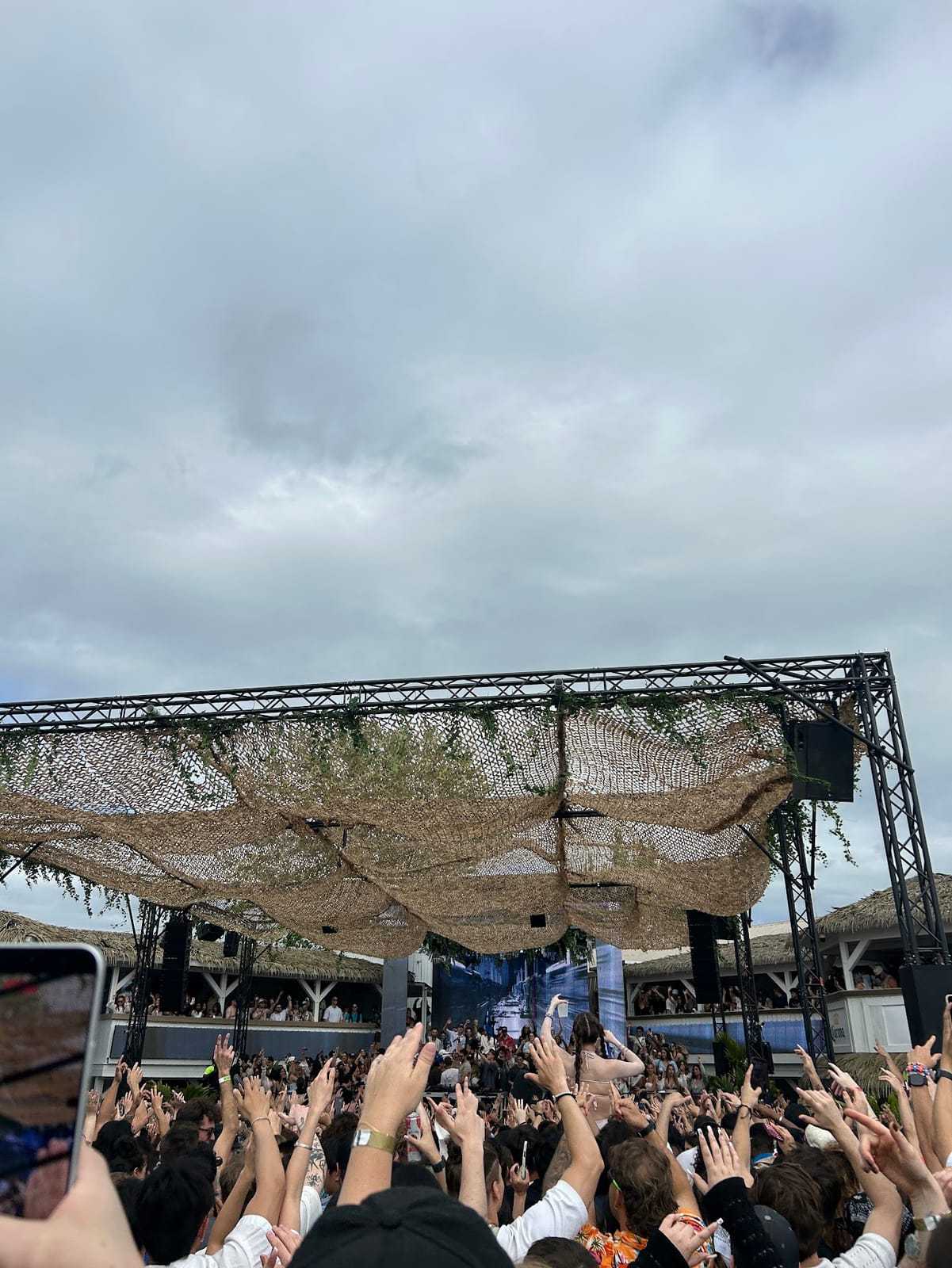
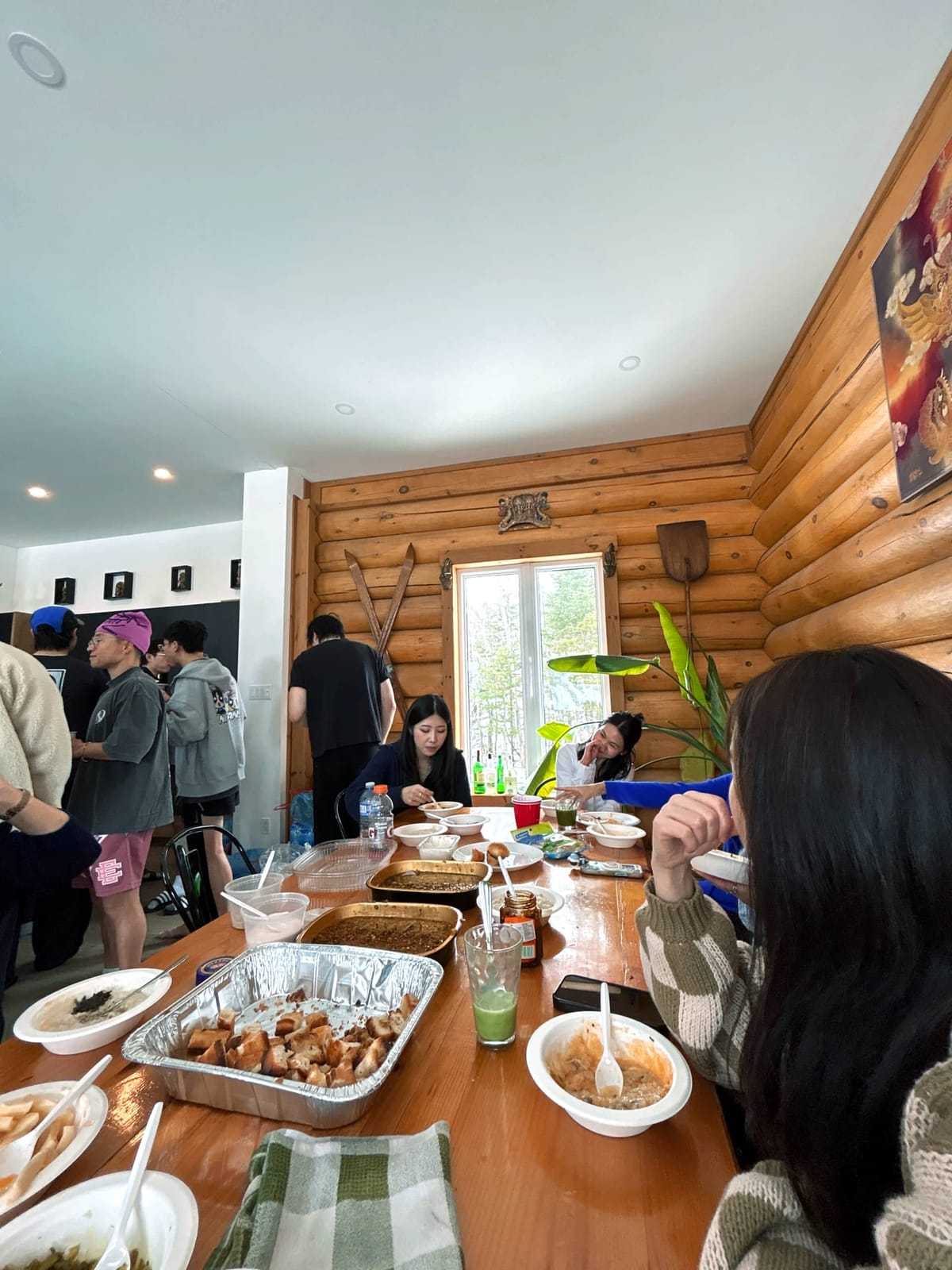
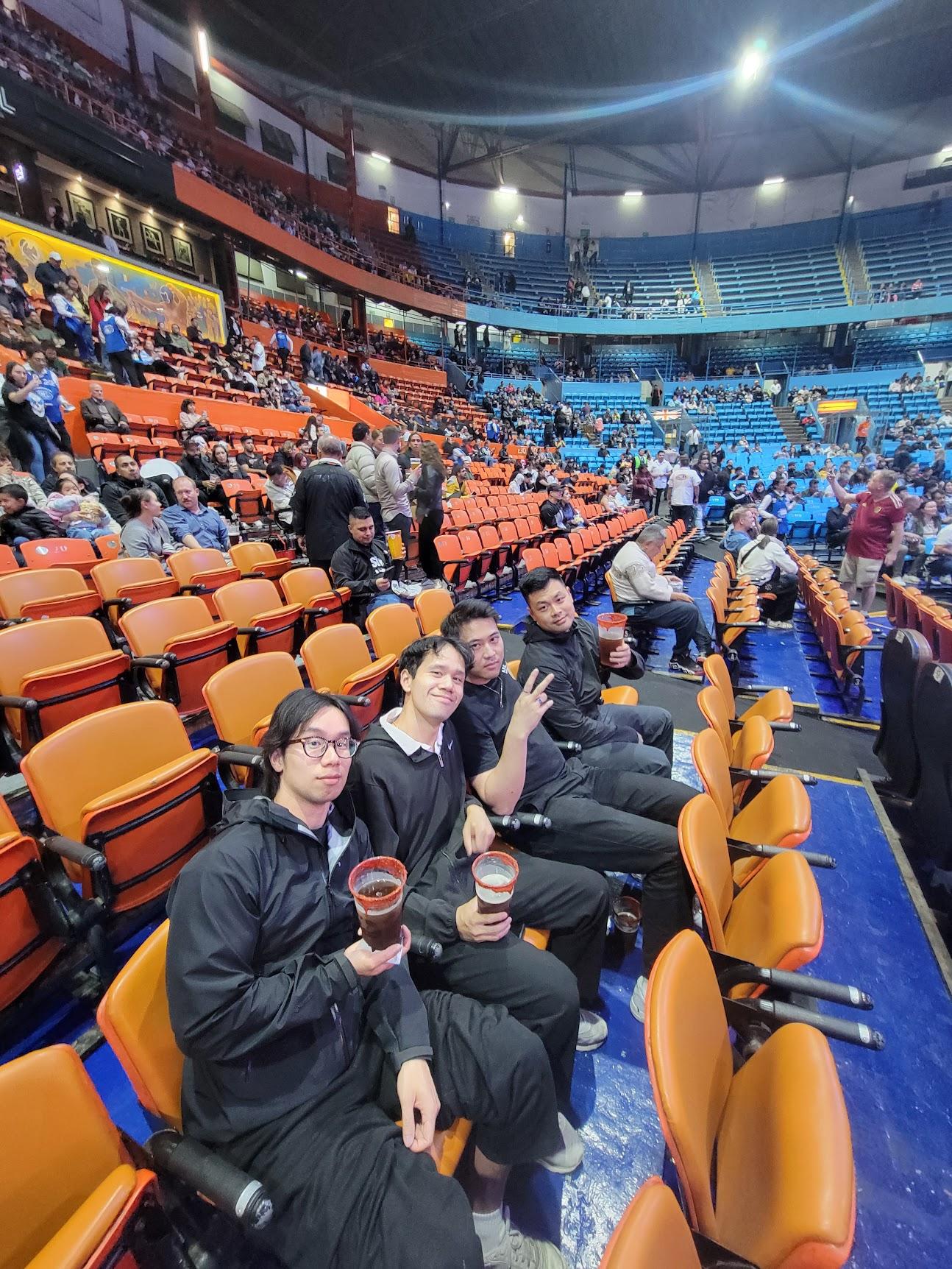
The posed group photo where everyone's standing in front of the company logo is fine. It serves its purpose. But the candid shots — people genuinely laughing at something, a spontaneous moment during the white elephant exchange, someone's surprisingly competitive face during the trivia game — those are the ones people actually want.
With Dispo88, the develop timer means nobody's reviewing their shots as they take them. People shoot when something feels right and get back to the event. The result is usually more candid and more interesting than a curated gallery of poses.
Great for the Company Intranet or Slack
Once the album is ready, you can share the link anywhere — Slack, email, an internal page. Everyone at the party can browse every photo, not just the ones they took.
It's a nice way to close out the event. A message goes in the company channel with the album link, and people spend five minutes scrolling through the night's photos. Better than anything that comes out of a "can everyone send me their photos?" request that goes unanswered.
The Right Tier for a Work Event
For a small team of 10 to 20 people, Dispo88's free tier (up to 88 photos) is probably enough. For a larger company event with 50 or 100 people across a full evening, the Crew tier ($8.88) adds unlimited photos, and the Event tier ($39) adds password protection and the ability to export all photos at the end.
The password protection feature is worth considering for work events specifically. You set a simple code and share it internally, and anyone opening the camera is asked for it before they can shoot.
The Follow-Up Is Already Done
One of the things people appreciate about Dispo88 for work events is how easy the follow-up is. You don't have to collect anything after the fact. The album is already built by the time the event is over.
You share the link, everyone's happy, and the social committee's job is done.
Try the demo — no sign up needed Create a free account and set up your event camera
Running a bigger company event or team outing? Dispo88 for corporate events →