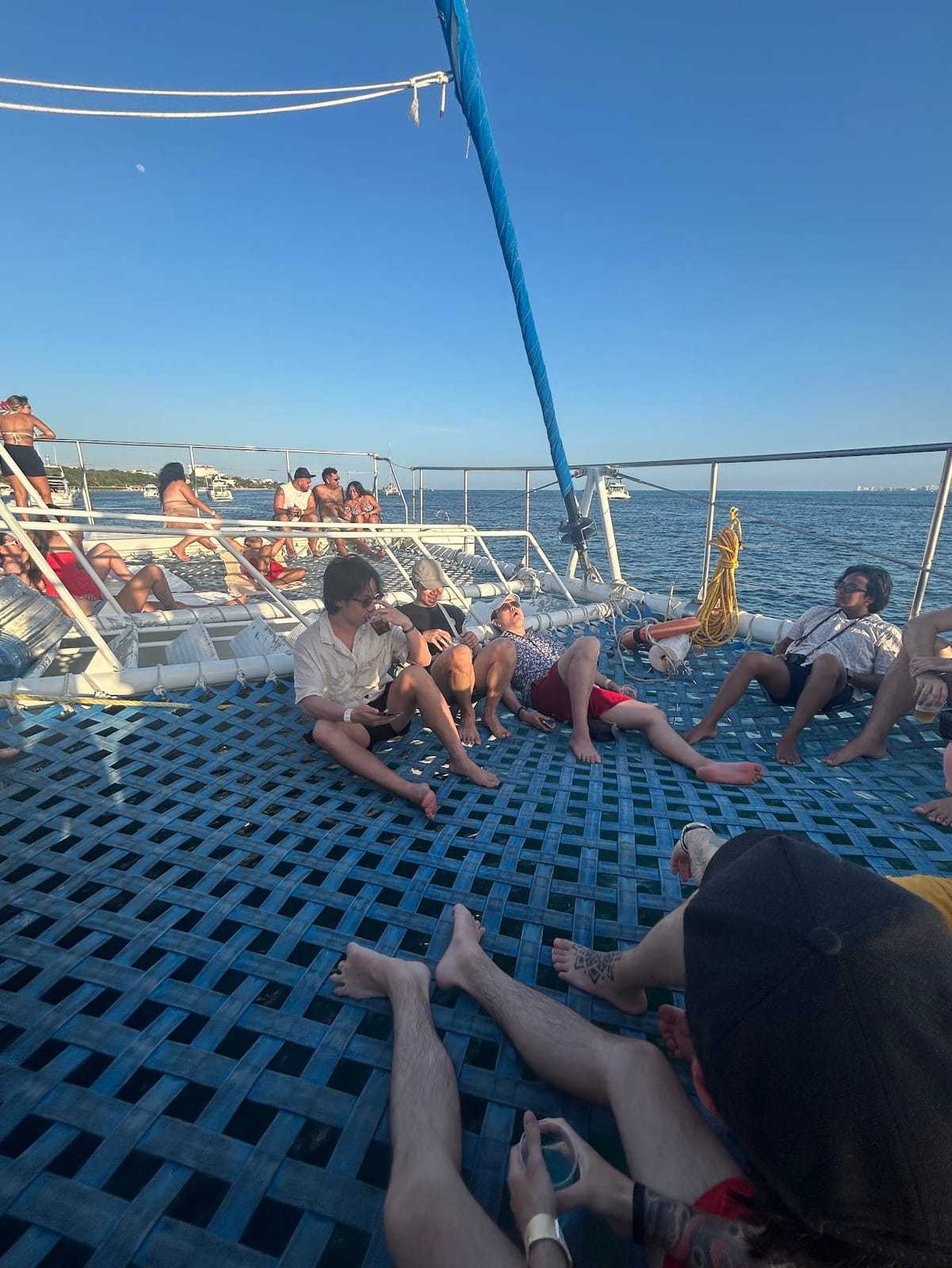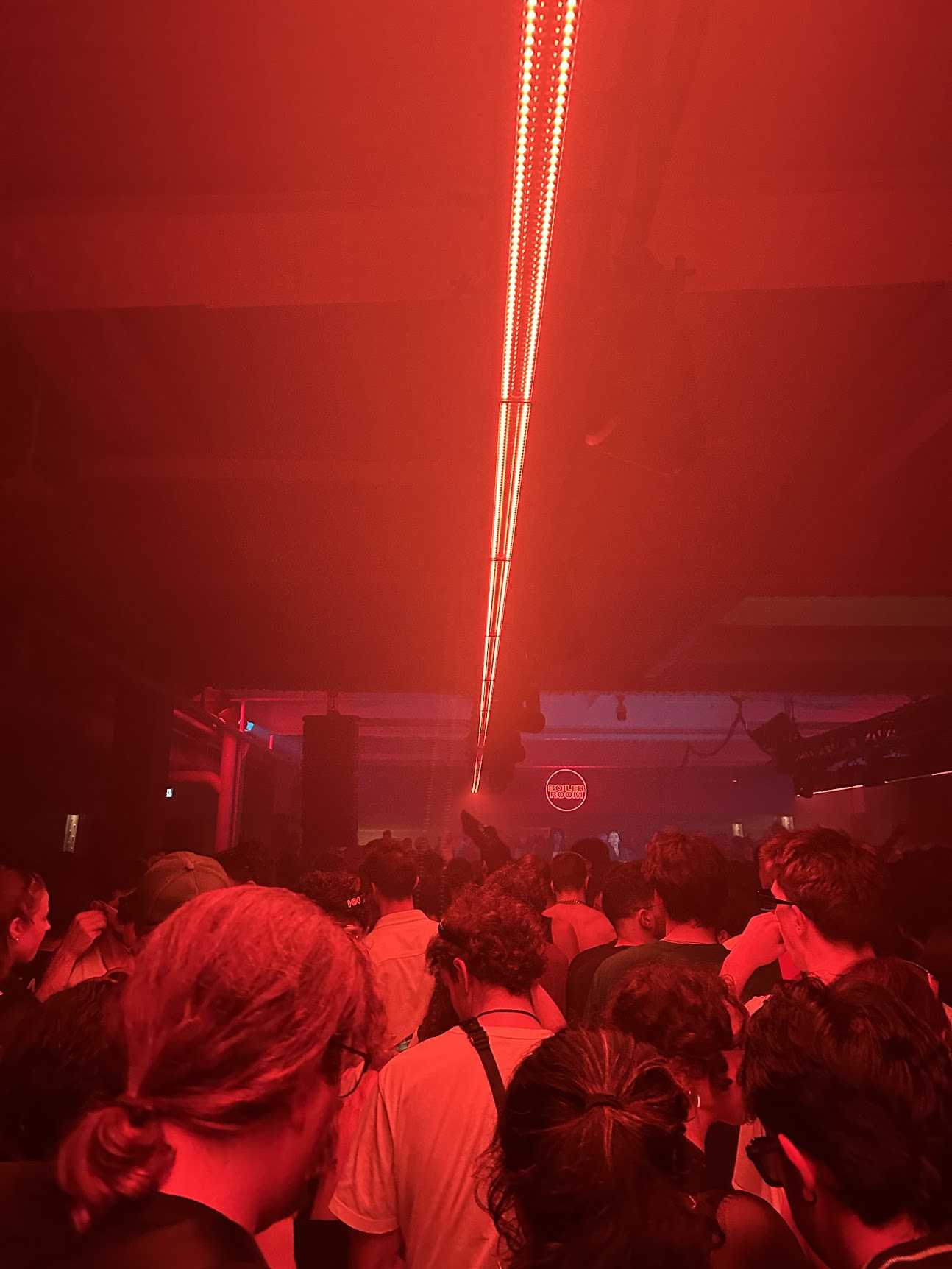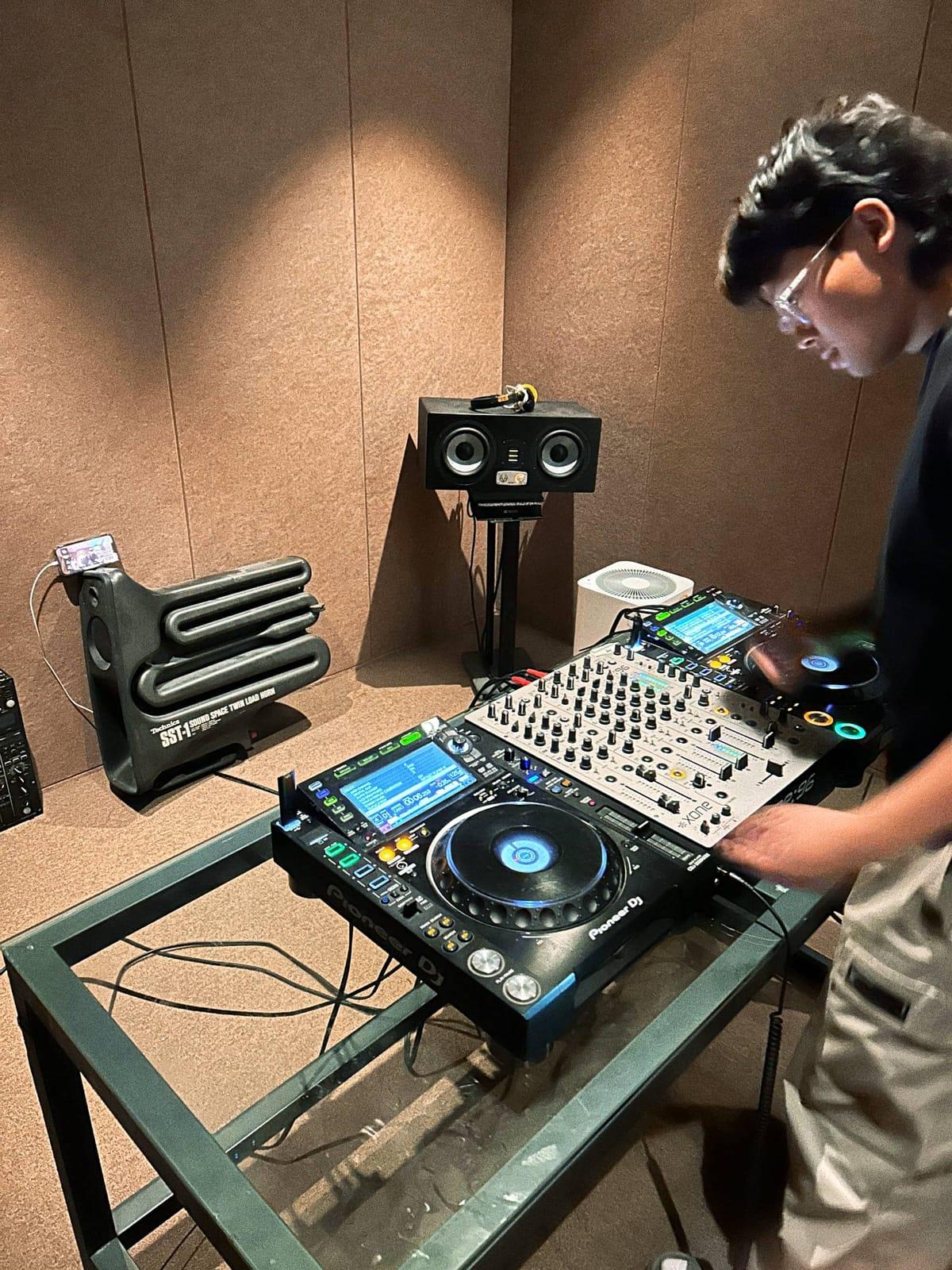
The host never ends up in the photos. You're refilling drinks, finding a charger, turning the music down for the neighbors. The best moments happen in the kitchen while you're in the hallway.
Hand the camera to everyone instead.
How it works
Create a Dispo88 camera before people arrive. Share the link in the invite or the group chat. Guests open it on their phone and shoot from the browser, with no app and no account.
Each photo develops for an hour before it appears. People take a shot and get back to the party instead of reviewing it.
Make it easy to find
- Put the link in the group chat a few minutes before people show up.
- Mention it once when the room fills up: "There's a shared camera, shoot whatever you want."
Shots worth getting
- The setup before the first guest arrives
- Whoever's on the aux (or the decks)
- The kitchen crowd, because there's always one
- The dance floor, if your living room becomes one
- Group photo on the couch near the end of the night
- The aftermath, for posterity
Which tier?
A small party fits in the free tier's 88 photos. Everyone sees every photo in the shared album.
If you're expecting a crowd, Crew ($8.88 CAD, one time per camera) removes the 88-photo cap. Pricing details
The morning after
Wake up to the whole night in one album. Make a Memory Reel of the highlights, a short vertical video made in your browser, and send it to the group. No watermark.