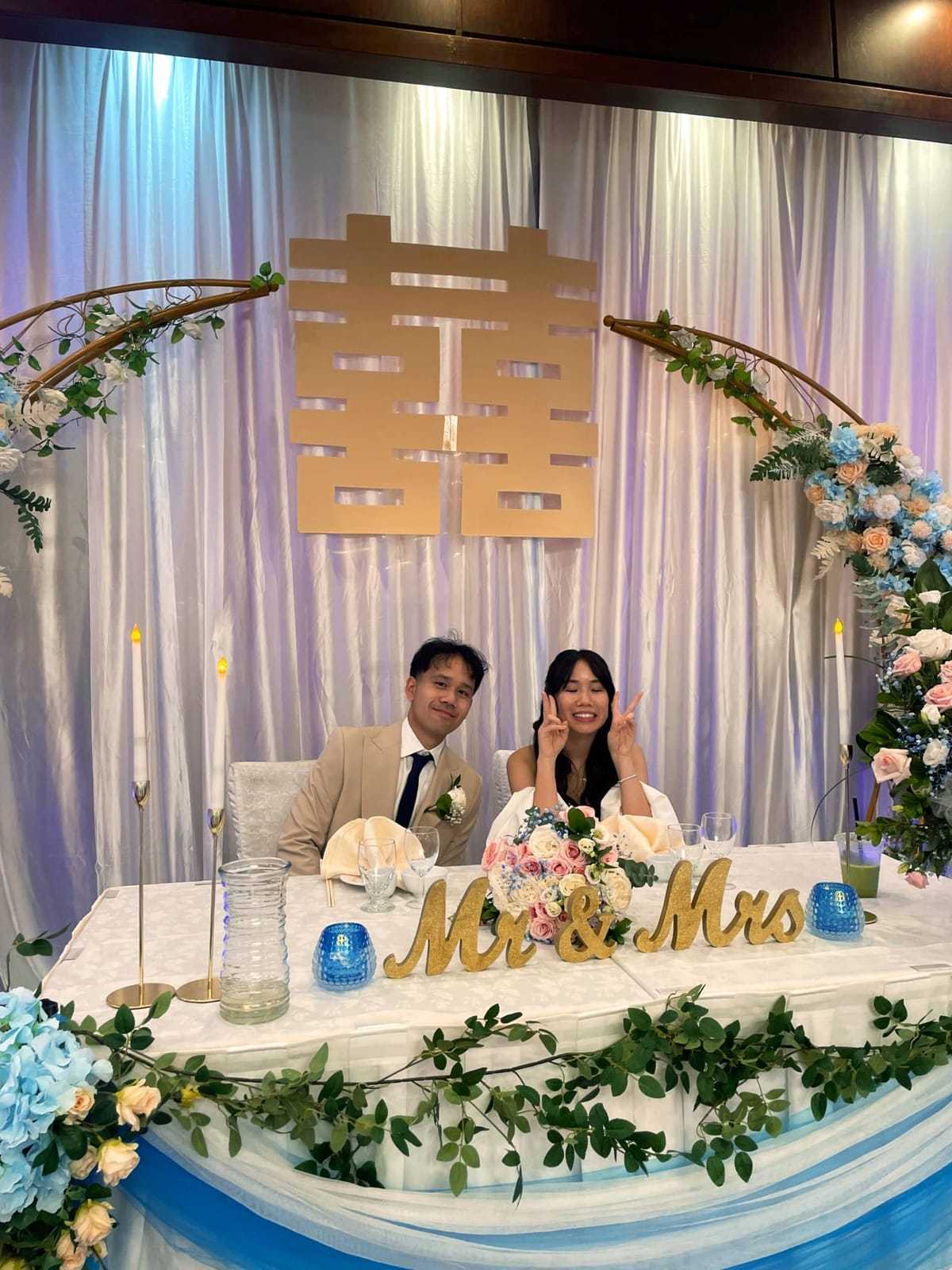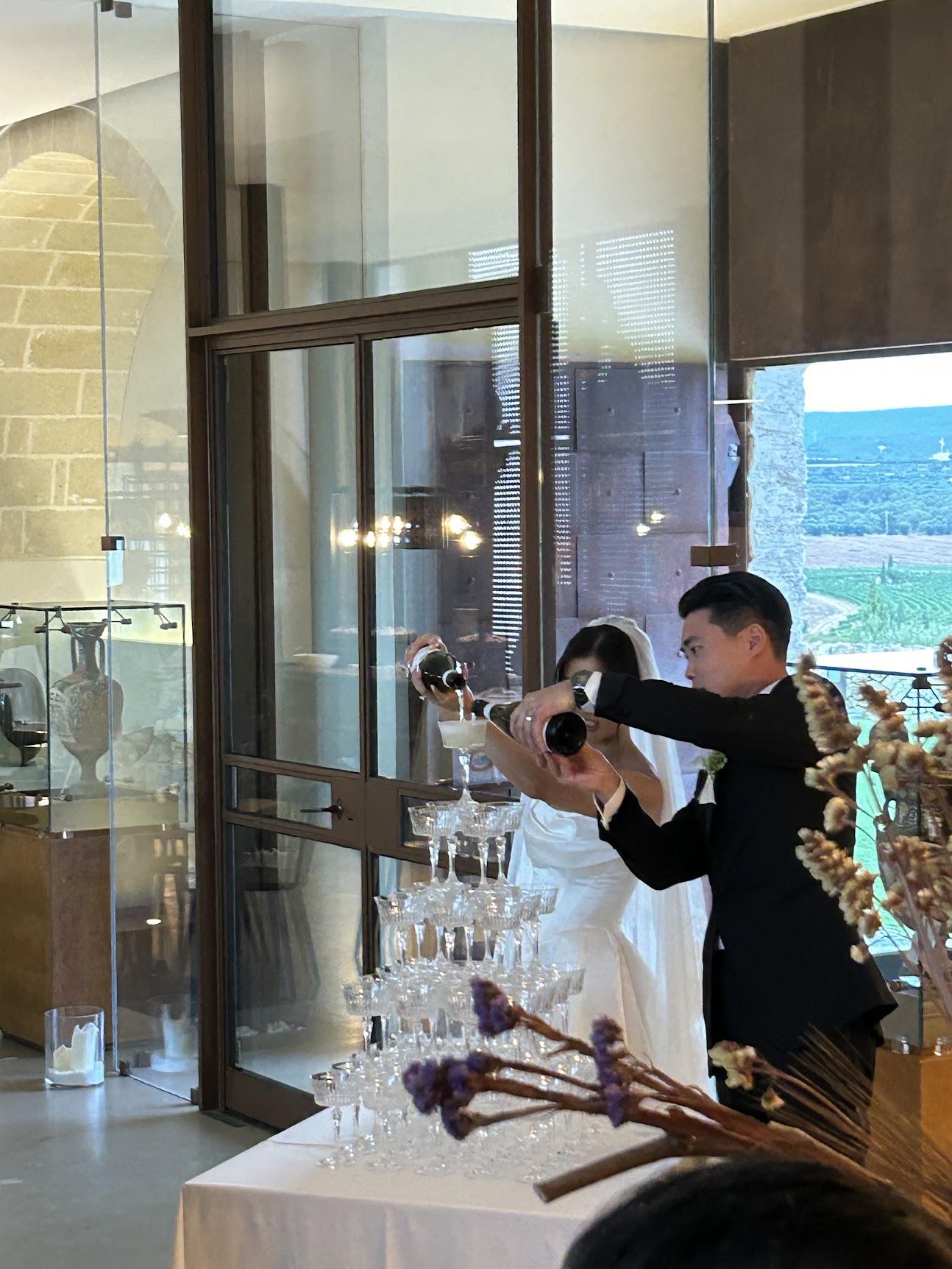
The reception is where the best candid moments happen: the speeches, the first dance, your uncle discovering the dance floor at 11pm. Your photographer catches some of it. Your guests catch the rest, on their own phones, and most of it never reaches you.
A shared camera brings those photos to you.
How it works
Create a Dispo88 camera for your wedding and share it with guests. They scan a QR code or open the link, and shoot from their phone's browser. No app, no account. Every photo goes into one album.
Each photo develops before it shows up, so guests take a shot and go back to the party. On an Event camera you can choose the develop time, from 10 minutes to 24 hours.
Getting guests to use it
- Put a QR code on every table. Event cameras include a QR poster builder with 10+ designs, from a 4 × 6 table card to a poster.
- Have the DJ or MC mention it once, early in the night.
- Set a guest hint, the line guests see above the shutter, like "Capture the dance floor for us!"
Shots worth getting
- The entrance as the couple walks in
- The toasts, and the reactions to them
- The first dance, from every side of the room
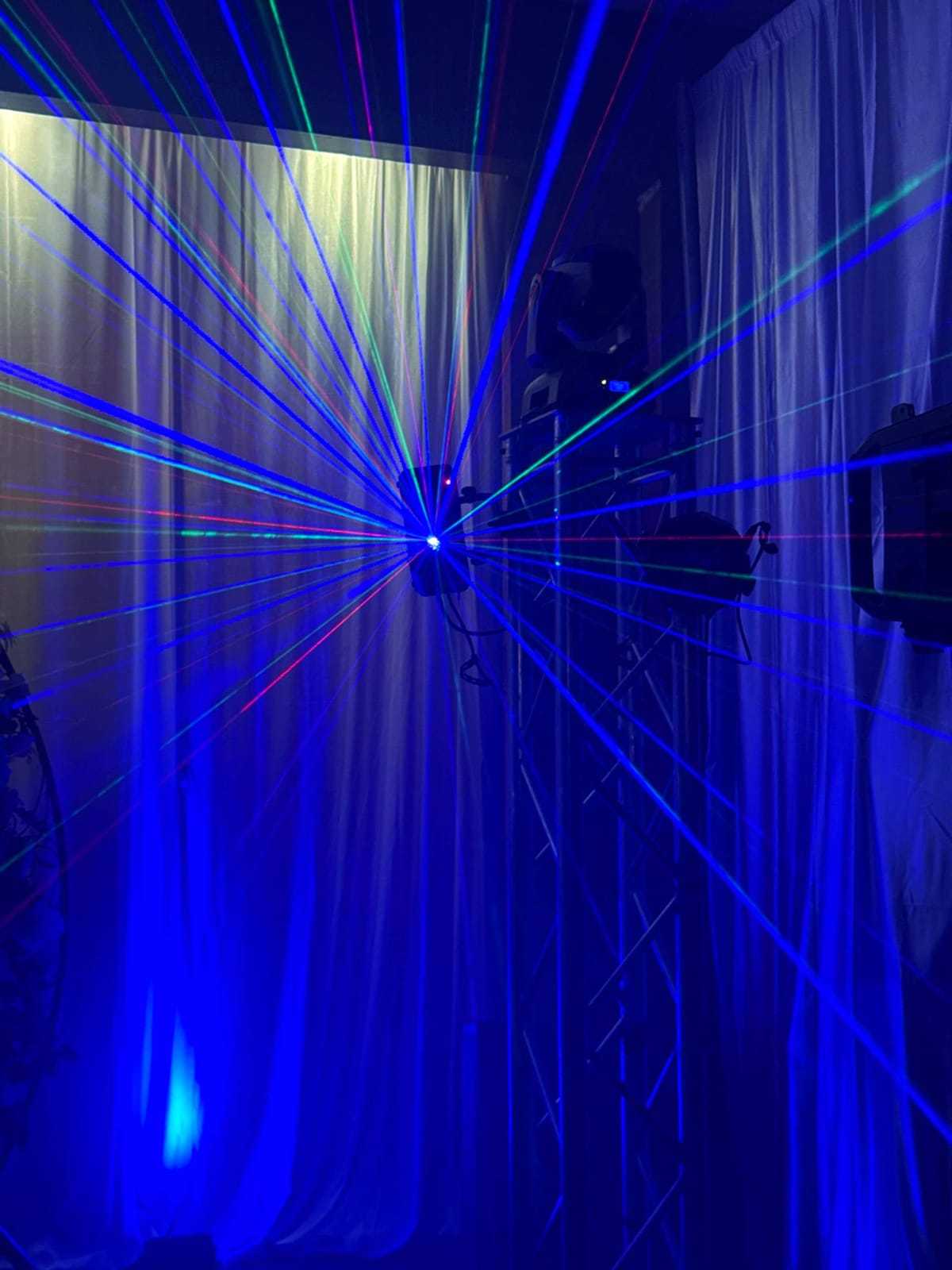
- The DJ booth and whoever's requesting songs
- The dance floor once the lights go down
- The last song of the night
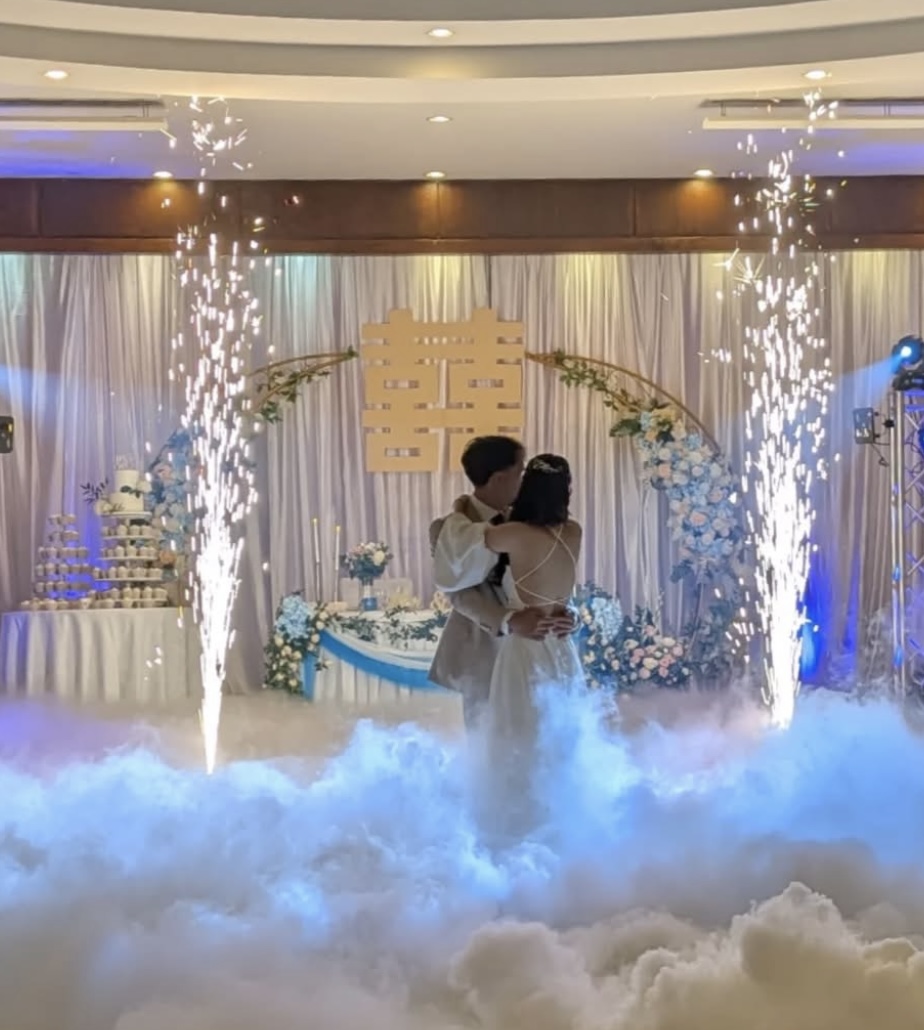
The first dance, from a guest's seat.
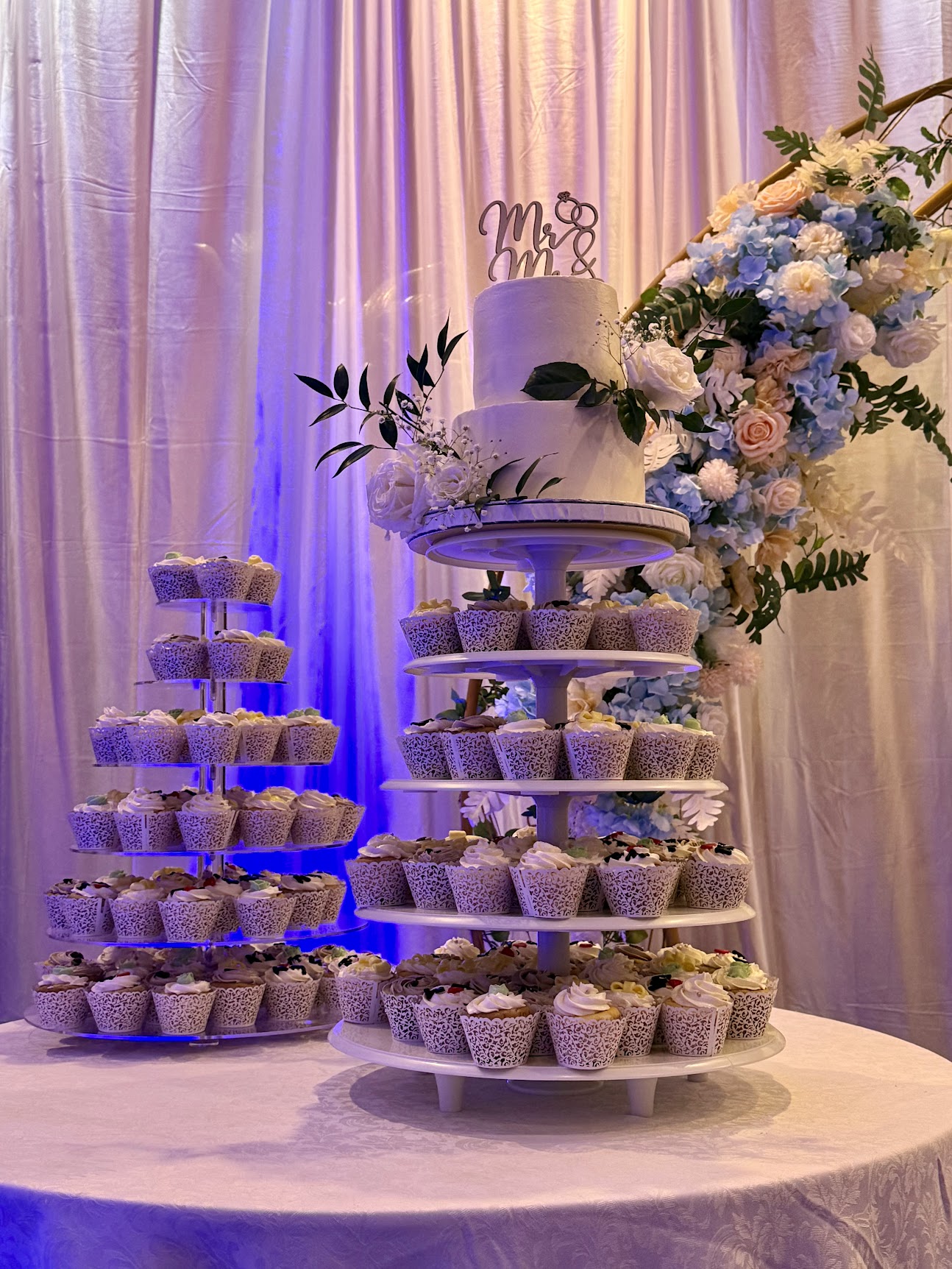
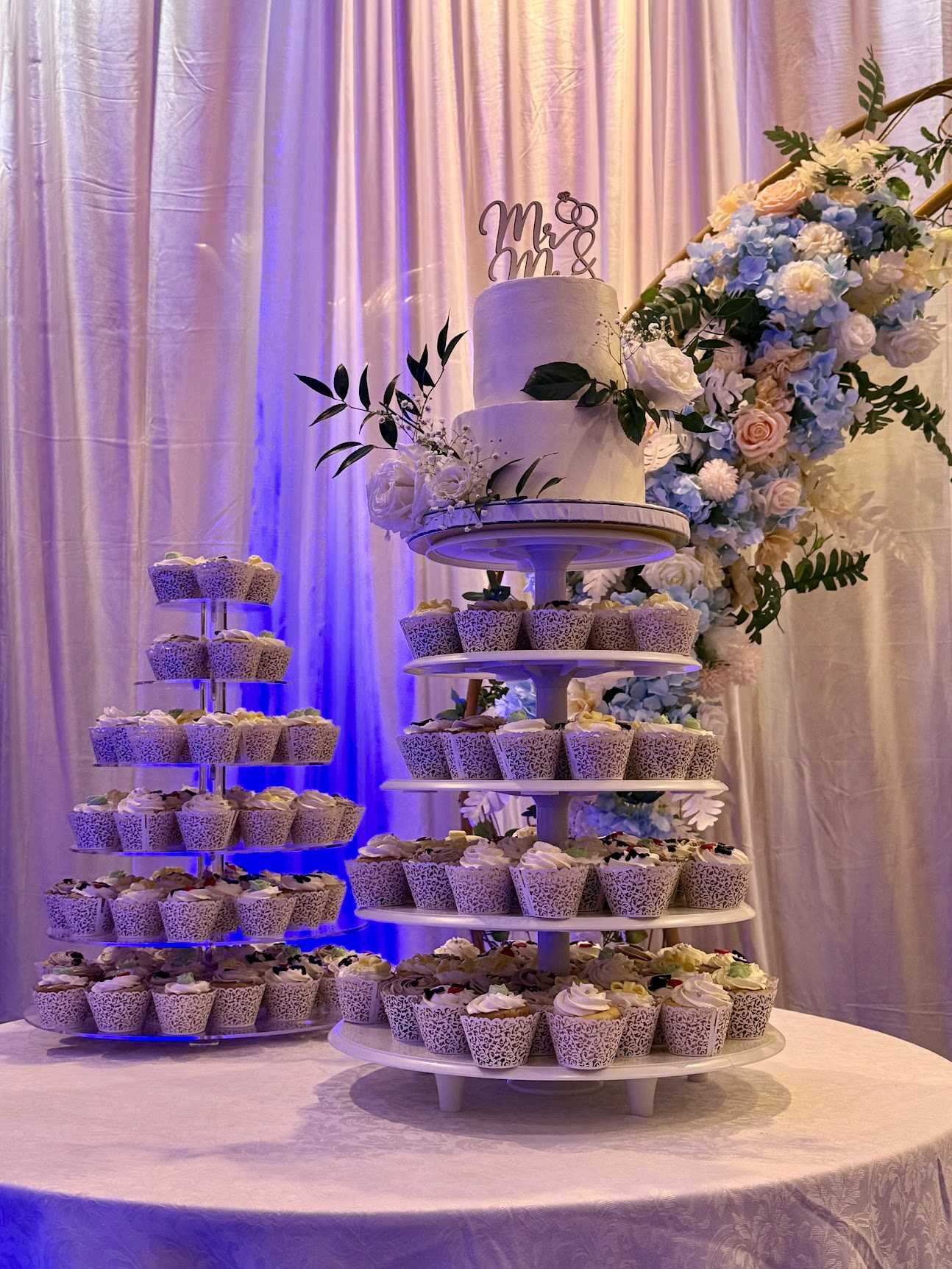
The cake, before anyone gets to it.
Which tier?
Most weddings go past the free tier's 88 photos. Event ($39 CAD, one time per camera) gives you unlimited photos, plus:
- the QR code and printable QR poster
- a custom guest hint
- a password guests enter before shooting
- your choice of develop time
- camera lock, to stop new photos when the night's over
- the option to let guests upload from their camera roll
- export of every photo as a zip
After the wedding
Export every photo as one zip, and make a Memory Reel of the night, a short vertical video made in your browser with no watermark.