Yes, we make Dispo88. We've kept to facts you can check: competitor details come from their own websites as of October 2026, and prices change, so check before you buy.
What matters at a wedding
A wedding isn't a house party. Before you pick an app, check these:
- No download for guests. Your grandparents and your partner's coworkers won't install an app at the table. Every app below works from a QR code without one.
- Price at your guest count. A per-guest price that looks small for 25 people adds up at 150.
- QR signs for the tables. People don't go looking for a QR code; it has to be in front of them.
- Something on a screen. A slideshow at the reception is what gets guests shooting.
- Control. A password, a way to hide a photo, and a way to close the camera at the end of the night.
- Getting every photo out. One download of the whole album, not one photo at a time.
How much does a wedding disposable camera app cost?
For 100 guests, from about US$28 to US$50; for 250 guests, up to about US$100. Apps priced by guest count cost more as the list grows, while Dispo88 Event stays at $39 CAD.
| 100 guests | 250 guests | How it's priced | |
|---|---|---|---|
| Dispo88 Event | $39 CAD | $39 CAD | Once per camera, any number of guests |
| POV | US$34.99 | US$89.99 | By guest count |
| Scene | US$49.99 | US$99.99 | By guest count |
| Lense | CA$49.99 | CA$99.99 | By guest count |
| GuestCam | US$49 | US$49 | Per event |
Prices as of October 2026, from each app's own website. $39 CAD is about US$28.
Dispo88
Dispo88 runs in the phone's browser. You make a camera, put its QR code on the tables, and guests shoot without an app or an account. Each photo develops like film, then lands in one album everyone can see.
For a wedding, an Event camera ($39 CAD, one time, for that camera) adds:
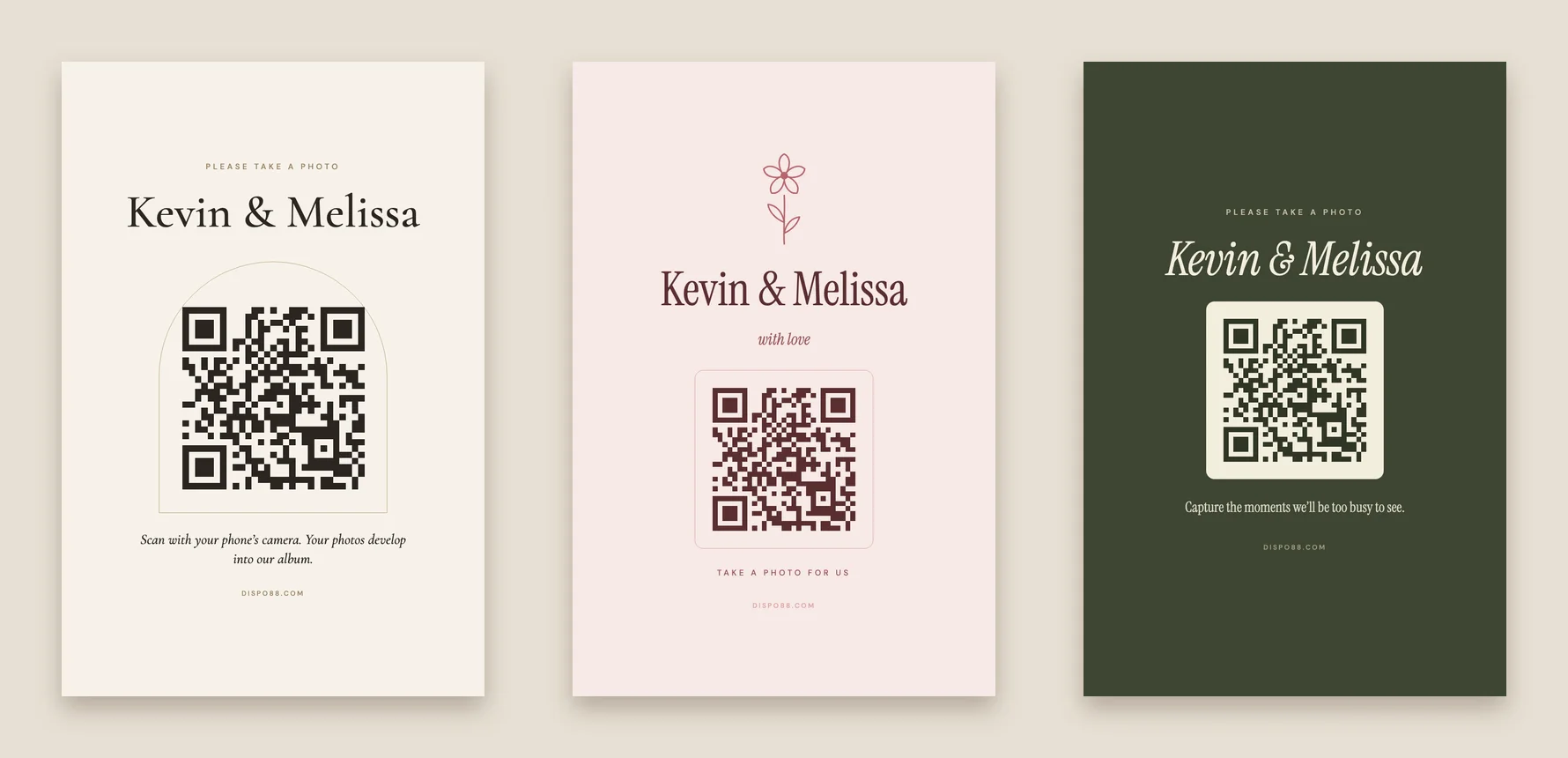
- A QR poster in 10+ designs and 5 sizes, from a table card to a letter poster, with your names and your own words.
- A live slideshow for a TV or projector at the reception. New photos show up as they develop.
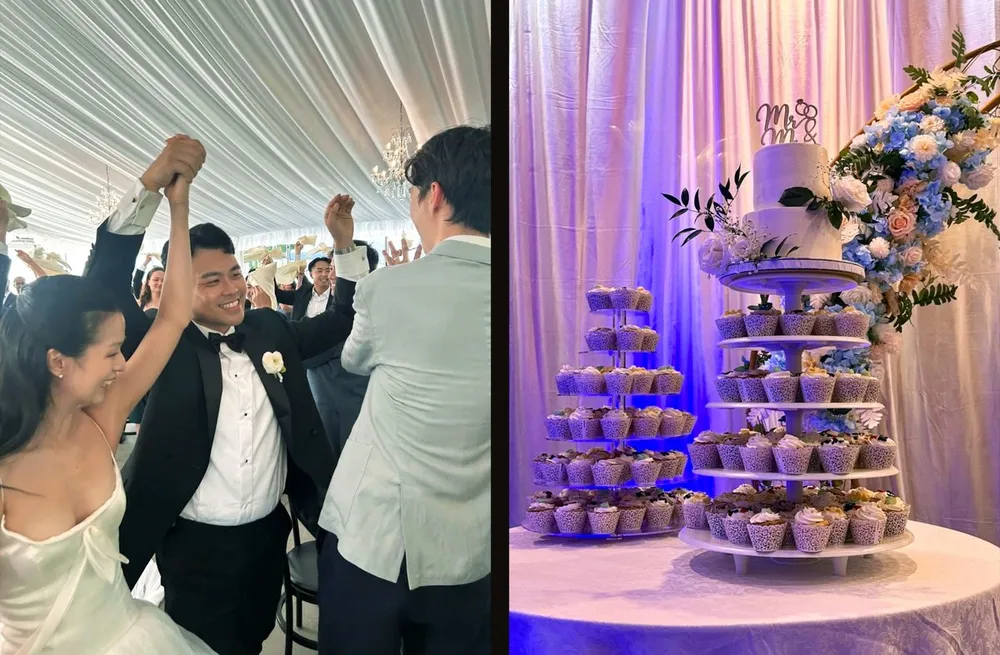
- Develop time from 10 minutes to 24 hours. Short for the slideshow, or overnight so the album is ready with breakfast.
- A password, a camera lock for the end of the night, and a limit on photos per guest if you want every shot to count.
- A message for guests on the camera screen, like "Get the dance floor!"
- Every photo in one zip.
You can hide any photo from guests without deleting it. Free cameras take 88 photos, so you can try it with your partner before you upgrade.
What it doesn't do: video, an audio guestbook, or one reveal of the whole album at a set time. Each photo develops on its own clock.
POV
POV is built around events: guests scan a QR code and join without downloading an app (App Clips on iPhone, the web on Android). The host chooses when photos are revealed, so the whole album can open the next morning. It's free up to 10 guests; its pricing calculator shows US$34.99 for 100 guests and $89.99 for 250, plus $10–30 for its branding and slideshow package.
Best for: couples who want the whole album revealed at one moment.
Scene
Scene runs in the browser with no download or account. The host picks the reveal: as photos are taken, after the event, or a set number of hours later. Each guest gets 5 to 36 shots, or unlimited for $9.99 more. It's $49.99 up to 100 guests and $99.99 for unlimited guests, and video is a $9.99 add-on.
Best for: a timed reveal, with video as an option.
Lense
Lense also runs in the browser from a QR code, with photos shown instantly, at a time you pick, or in a private album. It's CA$49.99 for 100 guests and CA$99.99 for 250. Each guest gets 25 photos unless you add unlimited captures, and video is a CA$12.99 add-on.
Best for: a timed reveal at a smaller wedding.
GuestCam
GuestCam is an upload gallery more than a disposable camera: guests add photos and videos they've already taken. It's US$49 per event, with unlimited guests, photos and video, an audio guestbook and a live slideshow.
Best for: collecting guests' videos and voice messages.
So which one?
- You have 100+ guests and want one price: Dispo88 Event.
- You want the album revealed all at once the next morning: POV, Scene or Lense. (On Dispo88, a 12-hour develop time gets close: photos from the reception show up the next morning.)
- You want videos and an audio guestbook: GuestCam.
- You want to try it free first: Dispo88, free for 88 photos with any number of guests.
How to set it up
- Make a camera with your names, like "Sam & Ali's Wedding", and test it together.
- Upgrade it to Event and print the QR poster for every table. (Wording ideas for the sign.)
- Pick the develop time: short if there's a screen at the reception, overnight if you'd rather wake up to it.
- On the day, put the slideshow on a TV, and lock the camera when the last song ends.
- The morning after, open the album together, then download every photo.