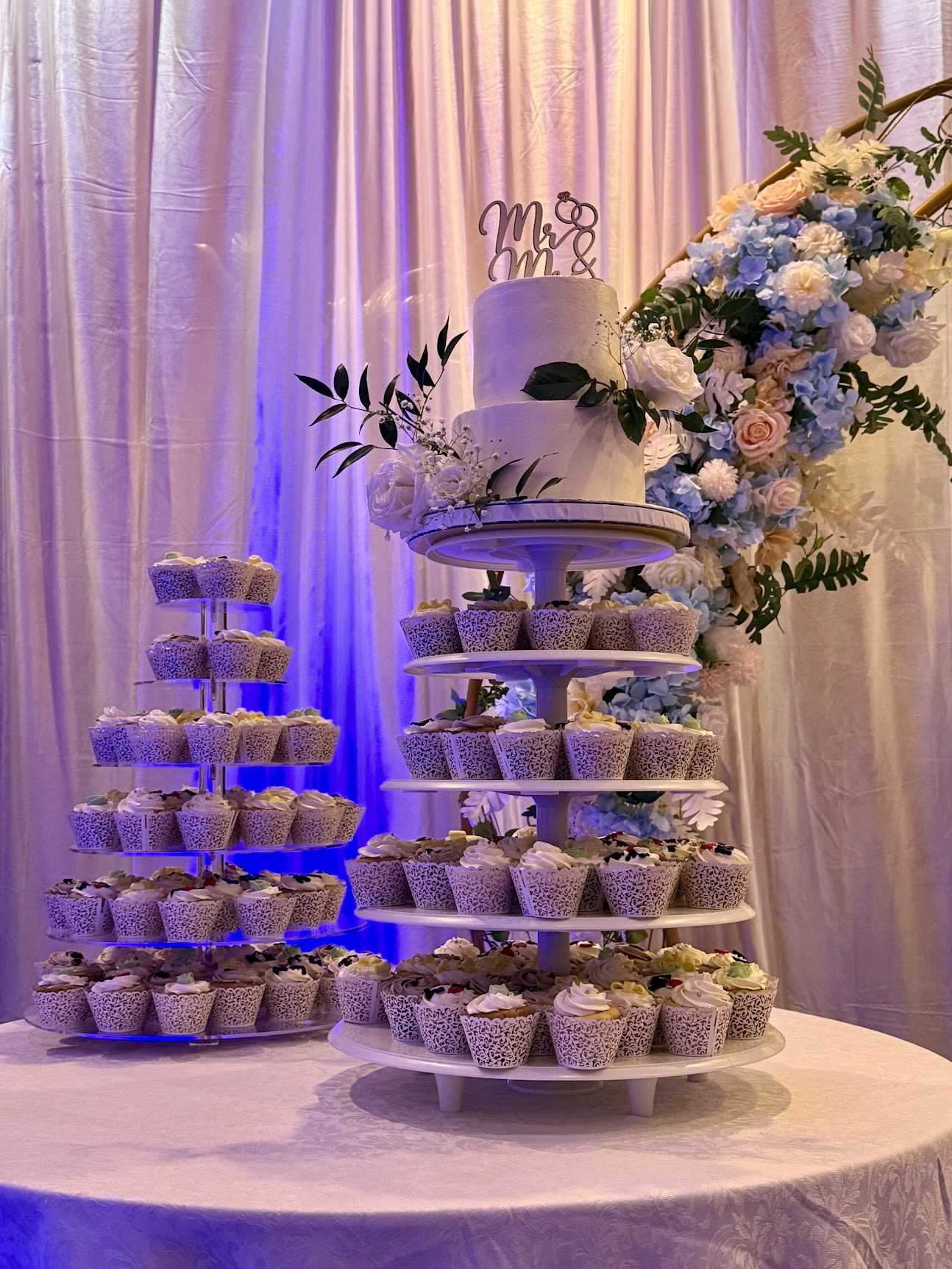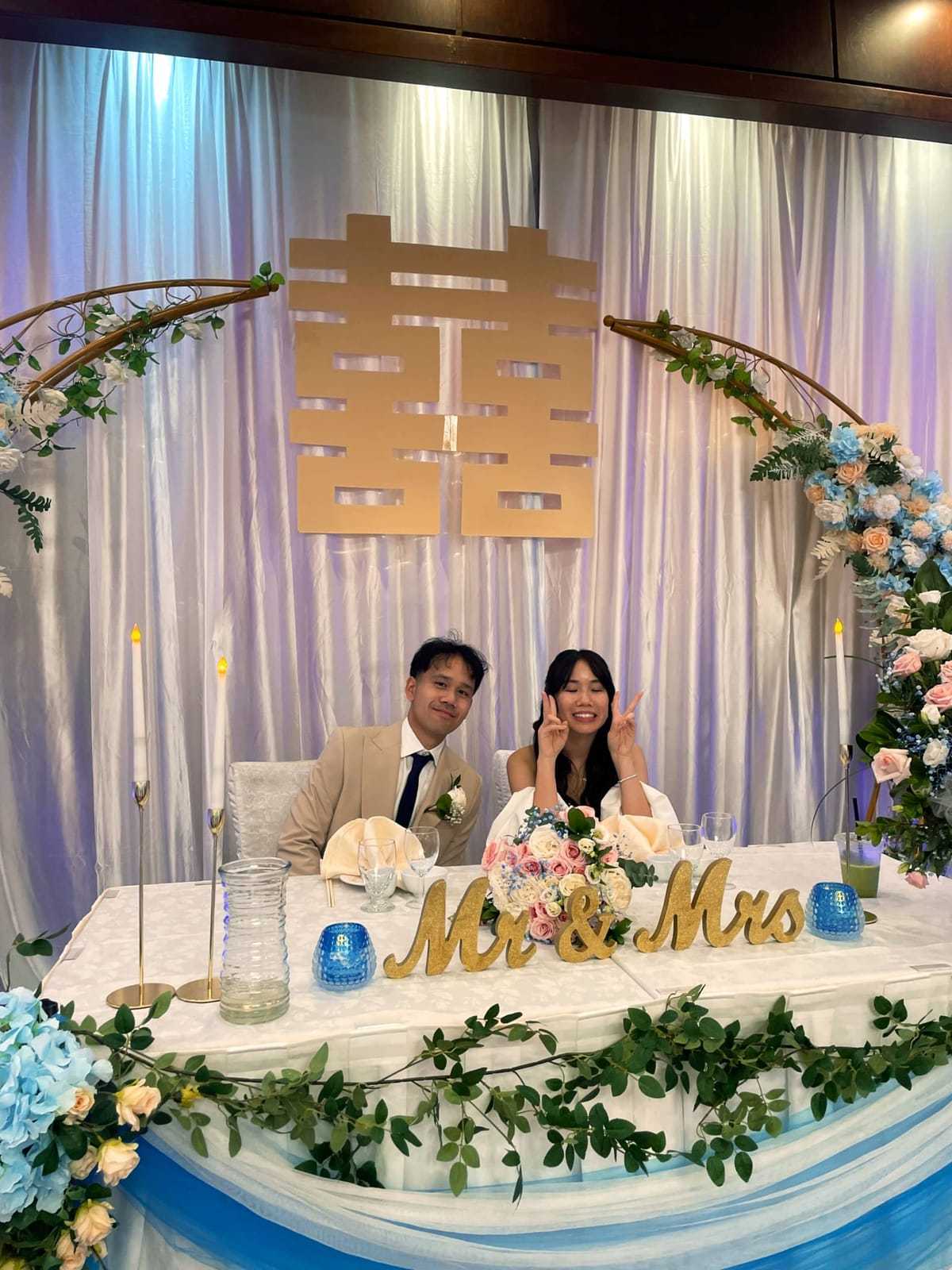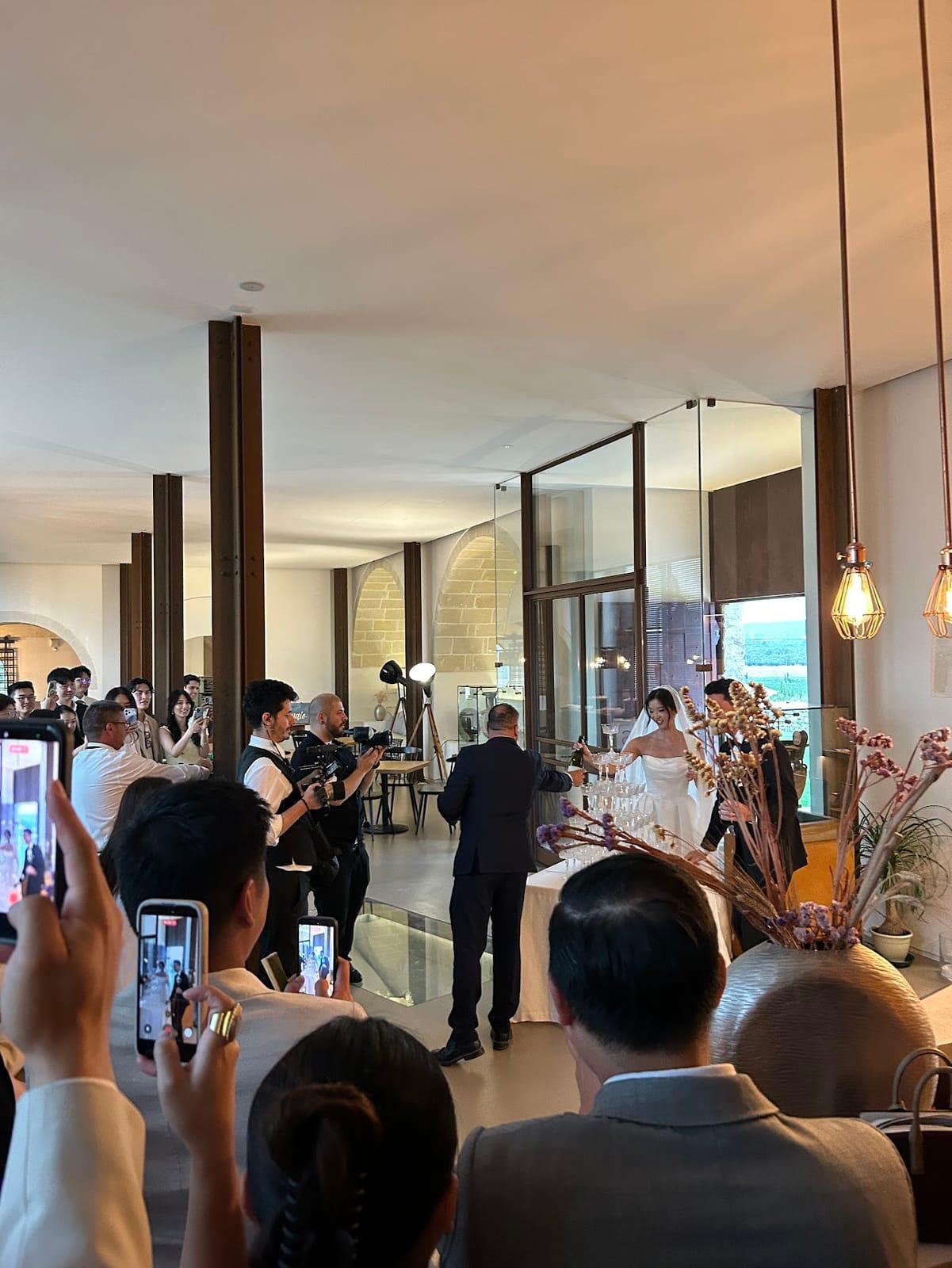
After the wedding, there's a window.
Maybe a week, maybe two. During that time, everyone who was there is still riding the warmth of it. They want to share the photos they took. They're happy to send them over. It feels easy.
Then that window closes. Life picks back up. The photos are still on their phone, but nobody's reaching out to collect them anymore, and nobody's going to volunteer them either. The candid shot someone got of your first dance from an angle the photographer missed is just sitting there. Forever.
The solution isn't to chase people down after the fact. It's to set something up before the wedding that makes it automatic.
Try Dispo88 — no sign up needed
What Happens Without a System
Think about what typically happens with wedding guest photos.
The official photographer delivers their gallery weeks later. That's wonderful. But in the meantime, a few guests texted you some candids. One person posted a reel. Someone else uploaded a few to Facebook. Another person mentioned they "got some really great ones" but you've never actually seen them.
Multiply that by 80 or 120 or however many people were at your wedding, and the photos that exist are scattered across a hundred different phones and platforms, with no easy way to pull them together.
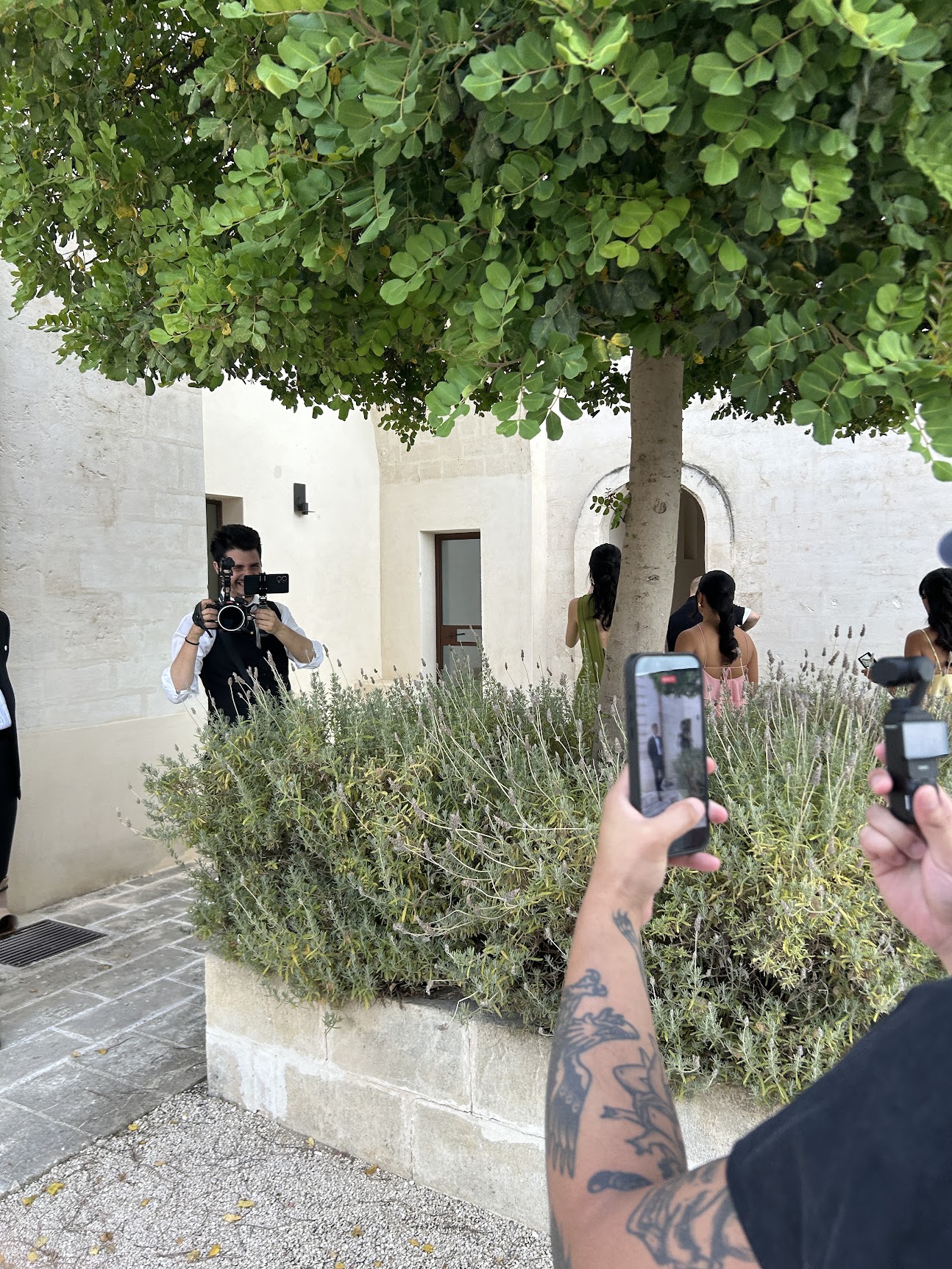
Every guest is already shooting. The photos just never reach you.
One Shared Camera for the Whole Night
Dispo88 gives you a single link that all your guests use to contribute photos. Put it on the tables as a QR code, print it on a small card, or slip it into the ceremony program. Guests open it on their phone — no app download required — take photos throughout the night, and everything lands in one shared album.
No one has to remember to send anything. No one has to upload to a shared Google Drive. The photos just accumulate in one place as the night goes on.
By the end of the wedding, you have a full album of guest photos ready to browse.
The Features That Actually Matter for a Wedding
For a wedding, Dispo88's Event tier adds a few things that make a real difference:
Password protection asks for a password before anyone can take photos. You set a simple password and share it with your list, so a stranger who scans a QR code can't just start shooting.
A printable QR poster, in 10+ designs and 5 sizes, gives you something to put on the tables, near the bar, or at the entrance. Guests scan it and they're in.
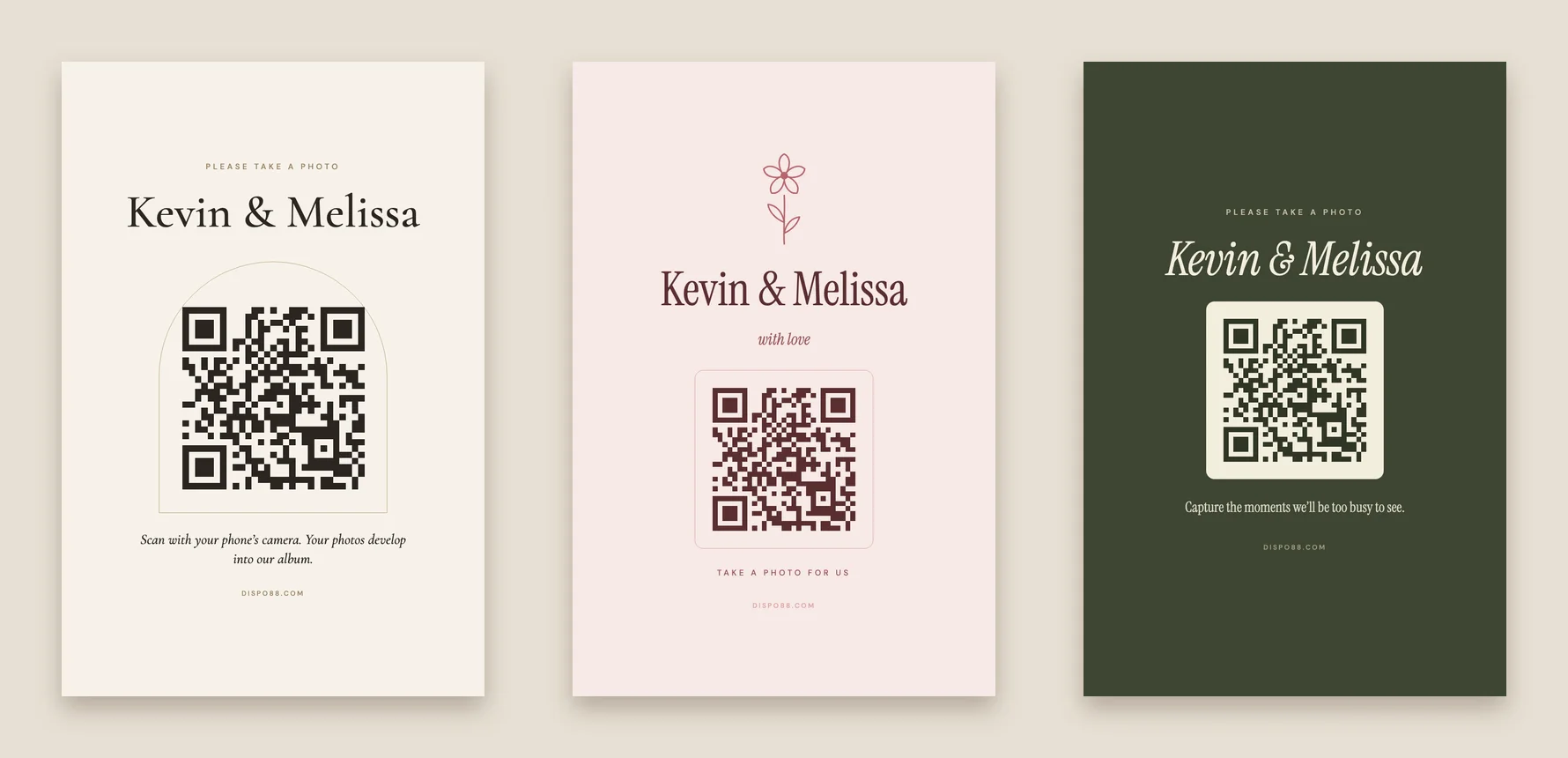
A table card for every table, with your own words.
Export all photos lets you download everything as a zip file when the night is over. Every guest photo, in one download.
Camera lock lets you close the camera the moment you're ready to wrap things up. Two taps on your phone and no new photos can be added.
The Develop Timer for a Wedding
Photos on Dispo88 develop for an hour instead of appearing instantly. That delay means guests shoot freely all night without stopping to review or retake — and by the time the night winds down, the earlier photos are already waiting in the album. On an Event camera you can pick the develop time, from 10 minutes to 24 hours: set 12 hours and the photos show up the next morning.
After the Wedding
When you get back from the honeymoon and you're ready to look at everything, the album is there. The whole night. Every angle. Moments the photographer didn't catch. Your grandmother at the dessert table. Your college friends losing it on the dance floor.
It's the version of your wedding day that the people who love you actually saw. Which is the version worth having.
See how it works — try the demo Create your wedding camera