Why it works so well at a wedding
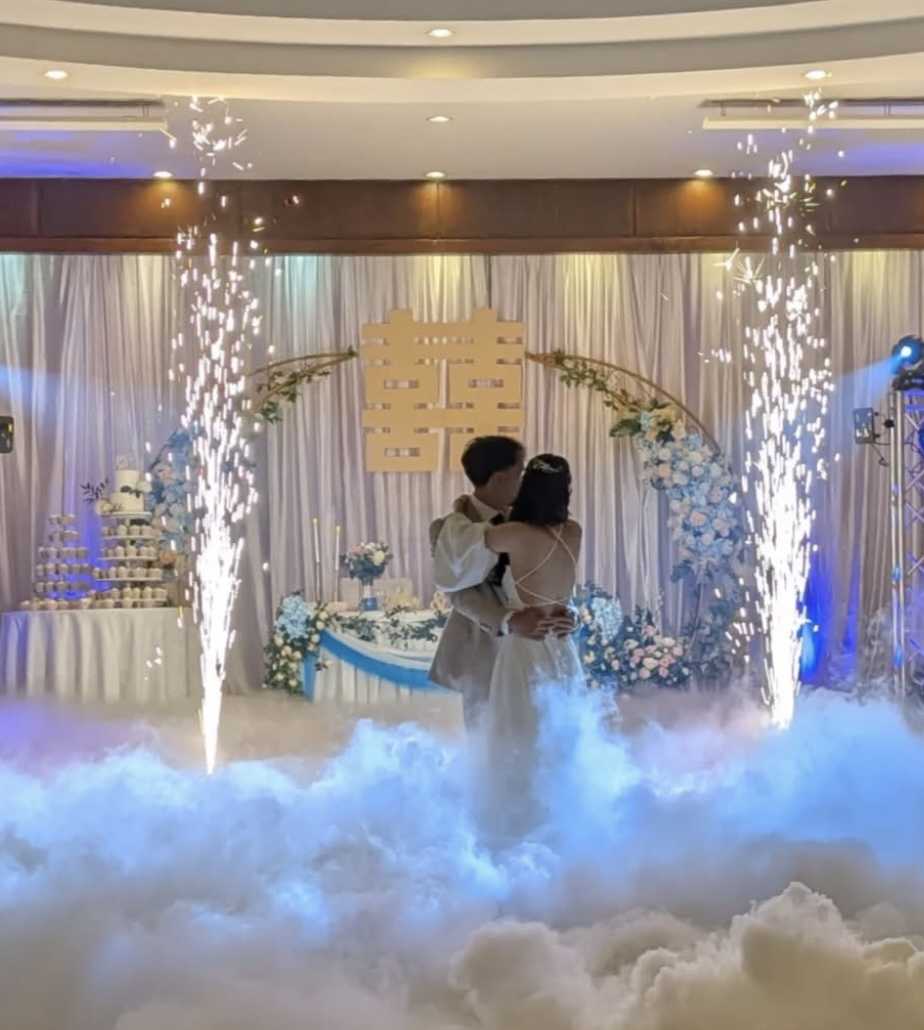
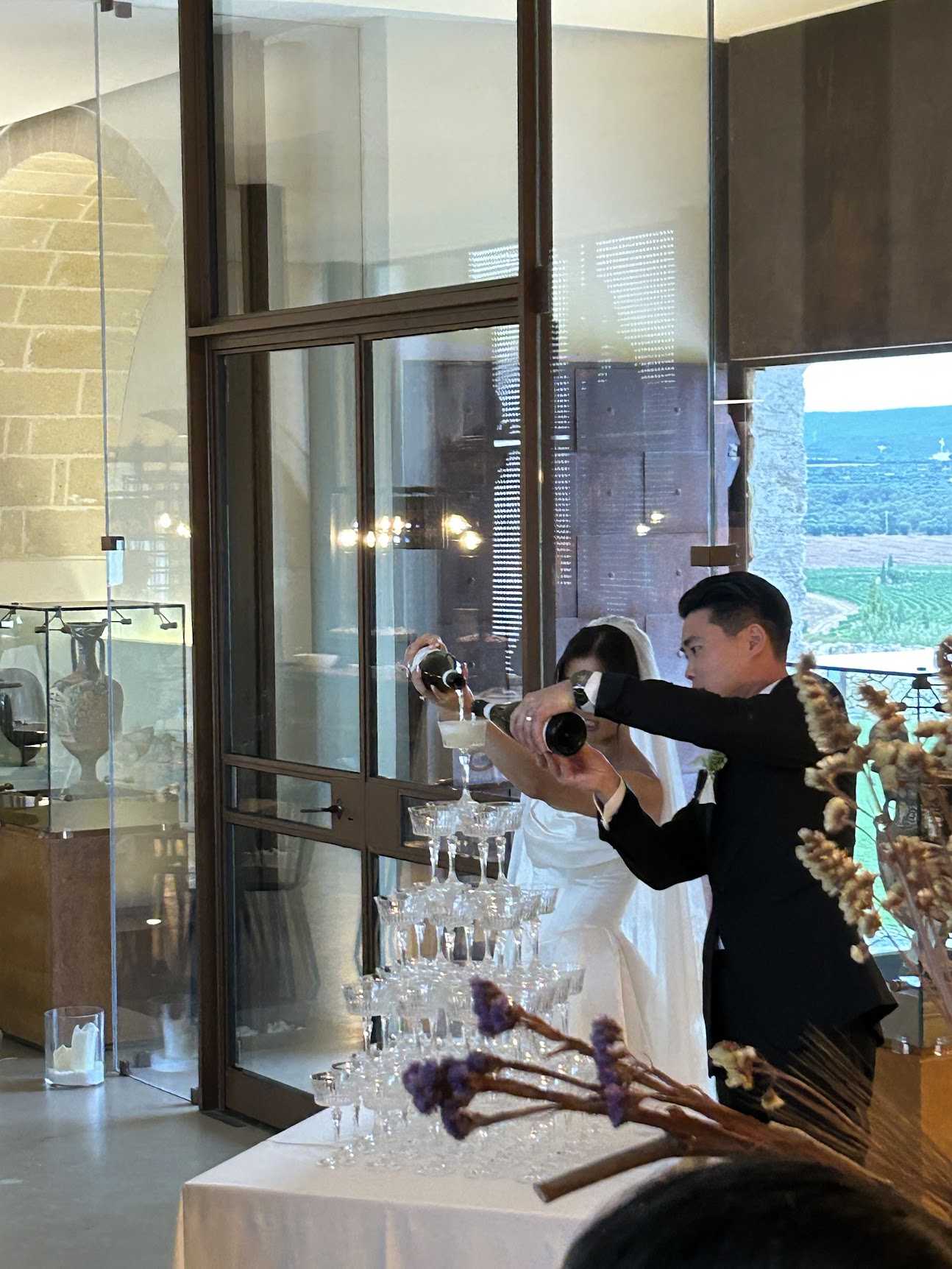
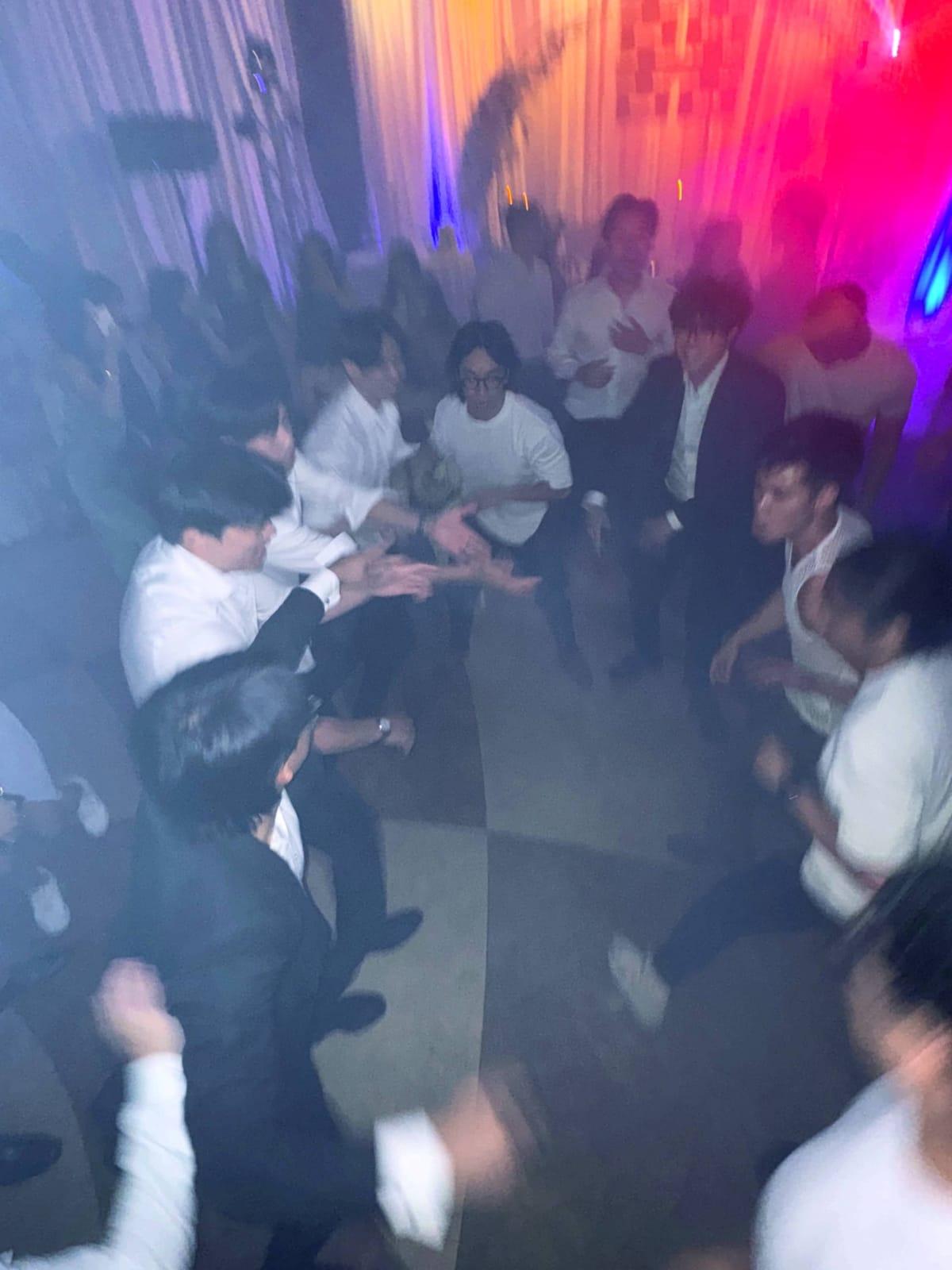
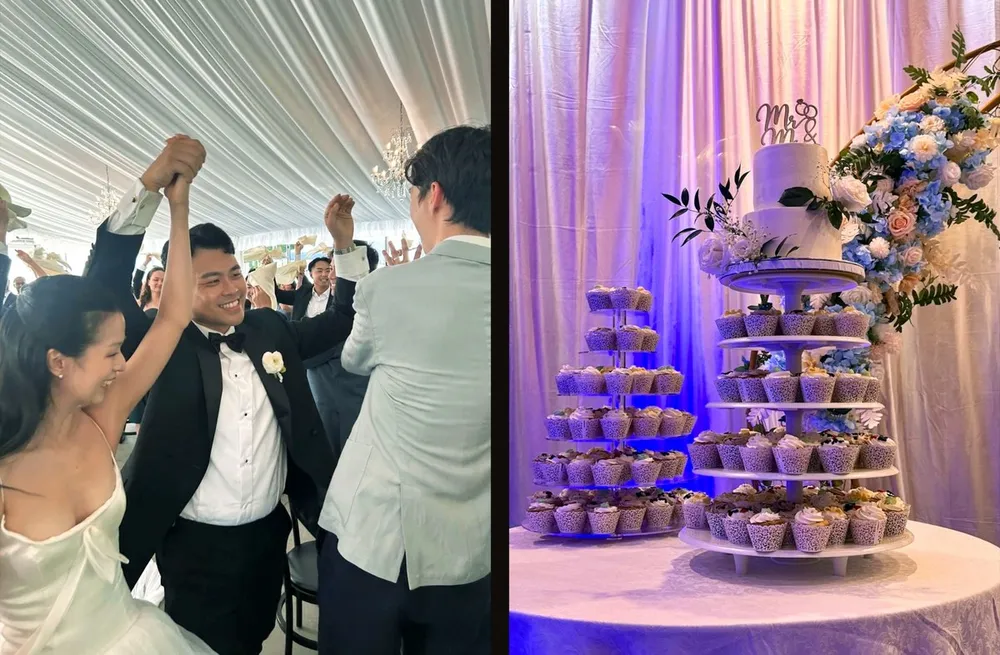
People love seeing themselves on the big screen. The moment the first photos appear, guests start shooting more: the table across the room, the speeches, the dance floor, the grandparents. A slideshow turns the camera from something guests might use into something they want to be part of.
It also fills the quiet moments, like dinner service and the gap before the first dance, with something everyone watches together.
What you need
- An Event camera on Dispo88, for the slideshow.
- A laptop signed in to your account.
- A TV or projector the laptop connects to, by HDMI or screen mirroring. Most venues with a screen for speeches already have this.
- The QR poster on the tables, so guests know how to join.
How to set it up
- Make an Event camera with your names, like "Sam & Ali's Wedding".
- Print the QR poster for every table, in one of 10+ designs.
- Pick a short develop time. Photos show up once they've developed. One hour is the default; for a live slideshow, 10, 20 or 30 minutes keeps the screen fresh.
- Open the slideshow on the laptop, from the camera's settings or its menu on your dashboard, and make it full screen on the TV.
- Leave it running. It checks for new photos every 20 seconds and shows them first. On a wide screen, two portrait photos share it side by side.
Keeping it right for the room
A wedding has grandparents and kids in the room, so you stay in control:
- Hide any photo from the album viewer, and it leaves the slideshow too.
- Anyone can report a photo, and it's hidden from everyone but you at once.
- Lock the camera when the night ends, so nothing new comes in.