Yes, we make Dispo88, so keep that in mind. We've stuck to things you can check: POV's details come from its own website as of October 2026, and prices change, so look before you buy.
Side by side
| Dispo88 | POV | |
|---|---|---|
| Guests need an app? | No, it runs in the phone's browser | No: App Clips on iPhone, a web version on Android |
| How you pay | Once per camera, any number of guests | Free up to 10 guests, then by guest count |
| Free option | Up to 88 photos per camera | Events up to 10 guests |
| When photos appear | Each photo develops for 1 hour (Event: host picks 10 minutes to 24 hours) | The host chooses when photos are revealed |
| Shots per guest | Unlimited on Crew and Event; Event can set a per-guest limit | The host sets how many photos each guest takes |
| Live slideshow | Event cameras | Listed in POV's Business package |
| Photos kept | Until you delete them | Not stated on POV's site; check its terms |
Where Dispo88 fits better
- Big guest lists. Dispo88's price doesn't change with the number of guests. A 200-person wedding costs the same as a 20-person dinner: $39 CAD for an Event camera, once.
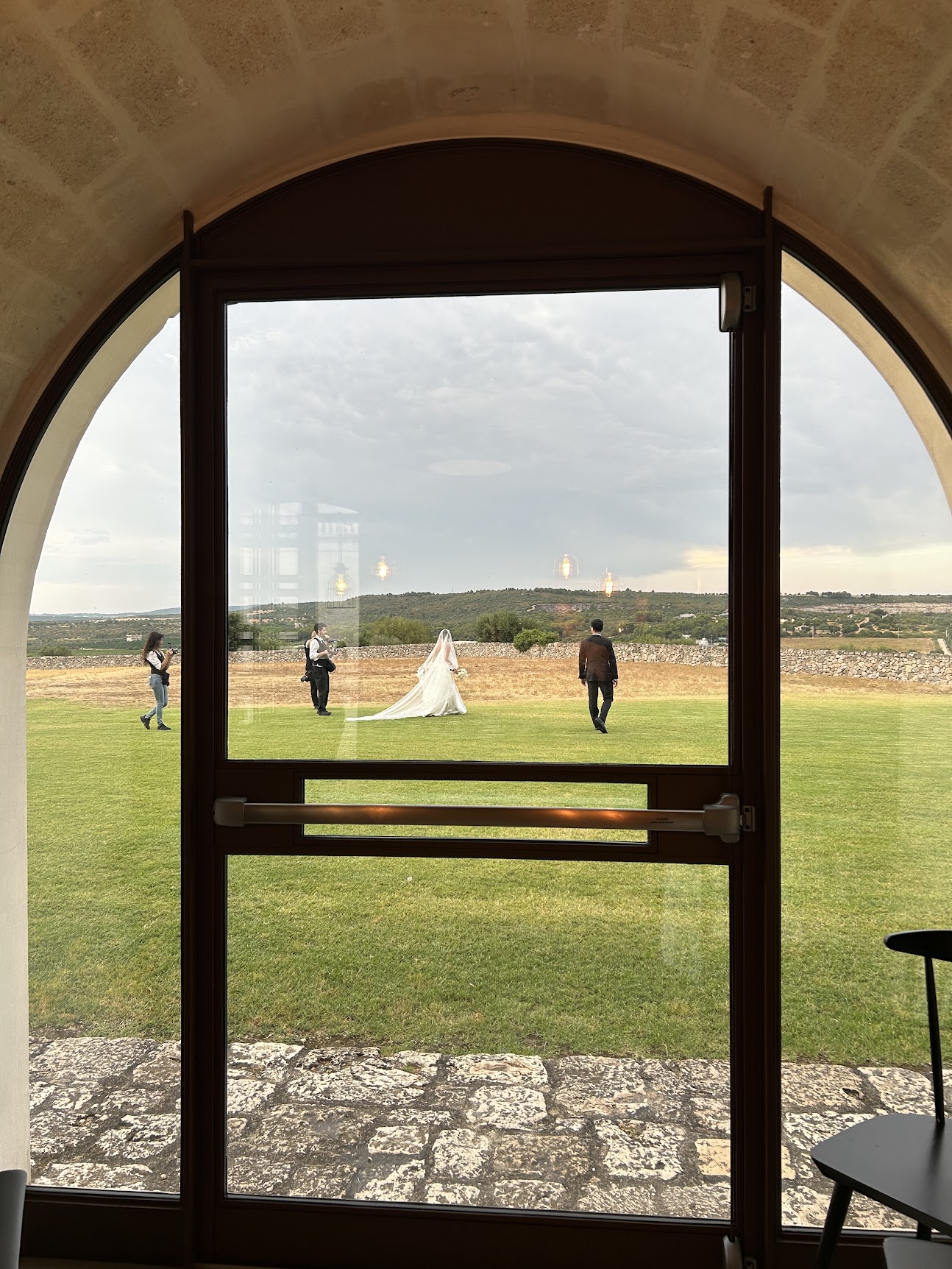
Twenty guests or two hundred, the camera costs the same.
- You don't know who's coming. There's nothing to count or upgrade when more people show up.
- You want photos for good. Photos stay until you delete them, and Event cameras can download everything as a zip.
- The film look. Every photo gets a film-style colour grade, and Memory Reels turn photos into a short video with no watermark.
Where POV fits better
- A big reveal. If you want the whole album to appear at once, say the morning after, POV lets the host set that. Dispo88 doesn't have a reveal-everything time yet; each photo appears after its own develop time.
- Small get-togethers. For 10 guests or fewer, POV is free, with no photo cap mentioned on its pricing page.
How each one works on the night
Dispo88: the host creates a camera and shares its link or QR code (Event cameras come with a printable QR poster). Guests open it in Safari or Chrome and tap the shutter. Each photo develops for an hour, then shows up in the shared album.
POV: guests scan a QR code. On iPhone it opens as an App Clip, a small piece of an app that doesn't need installing; on Android it opens in the browser. Photos are revealed when the host chose.