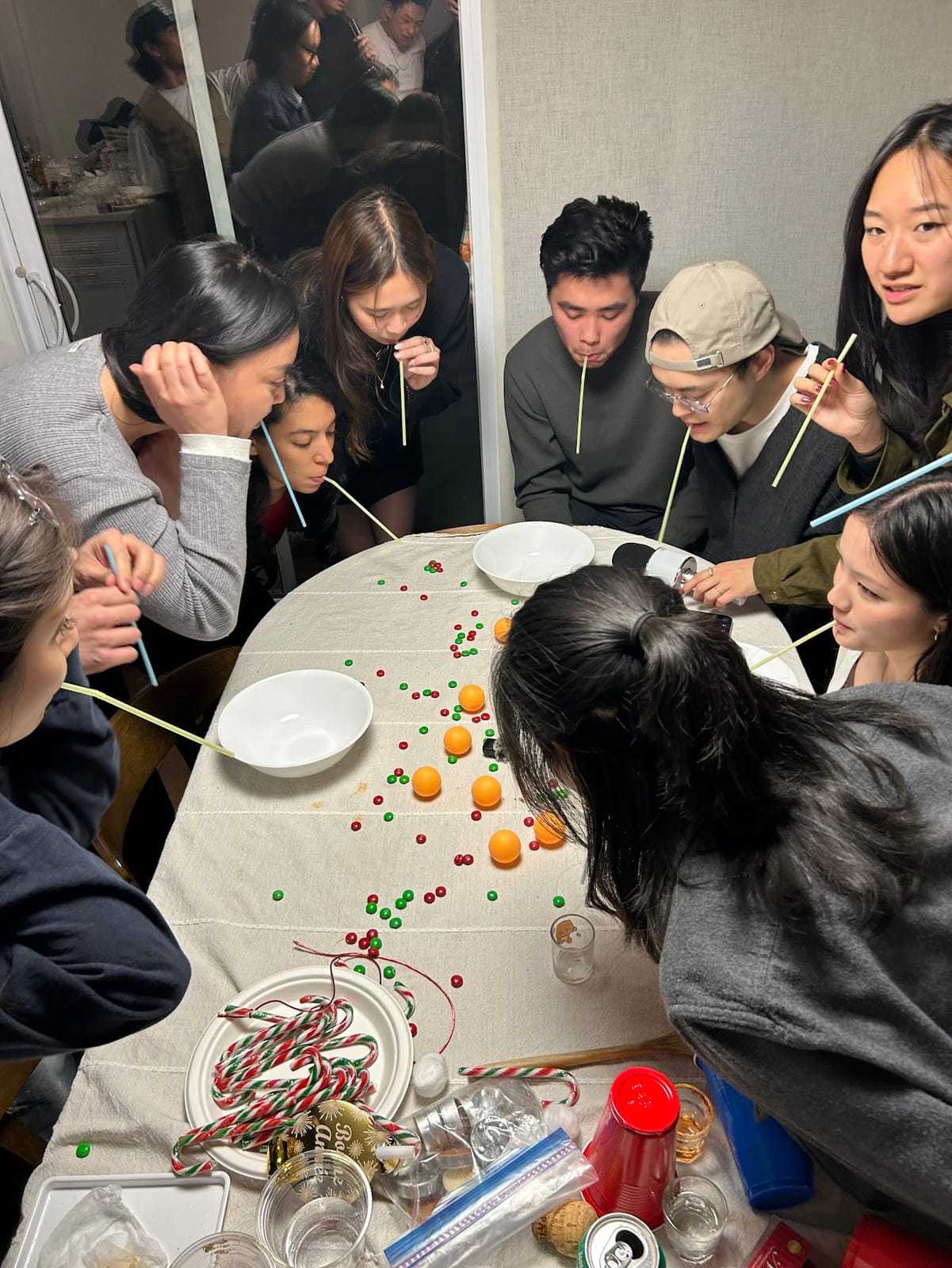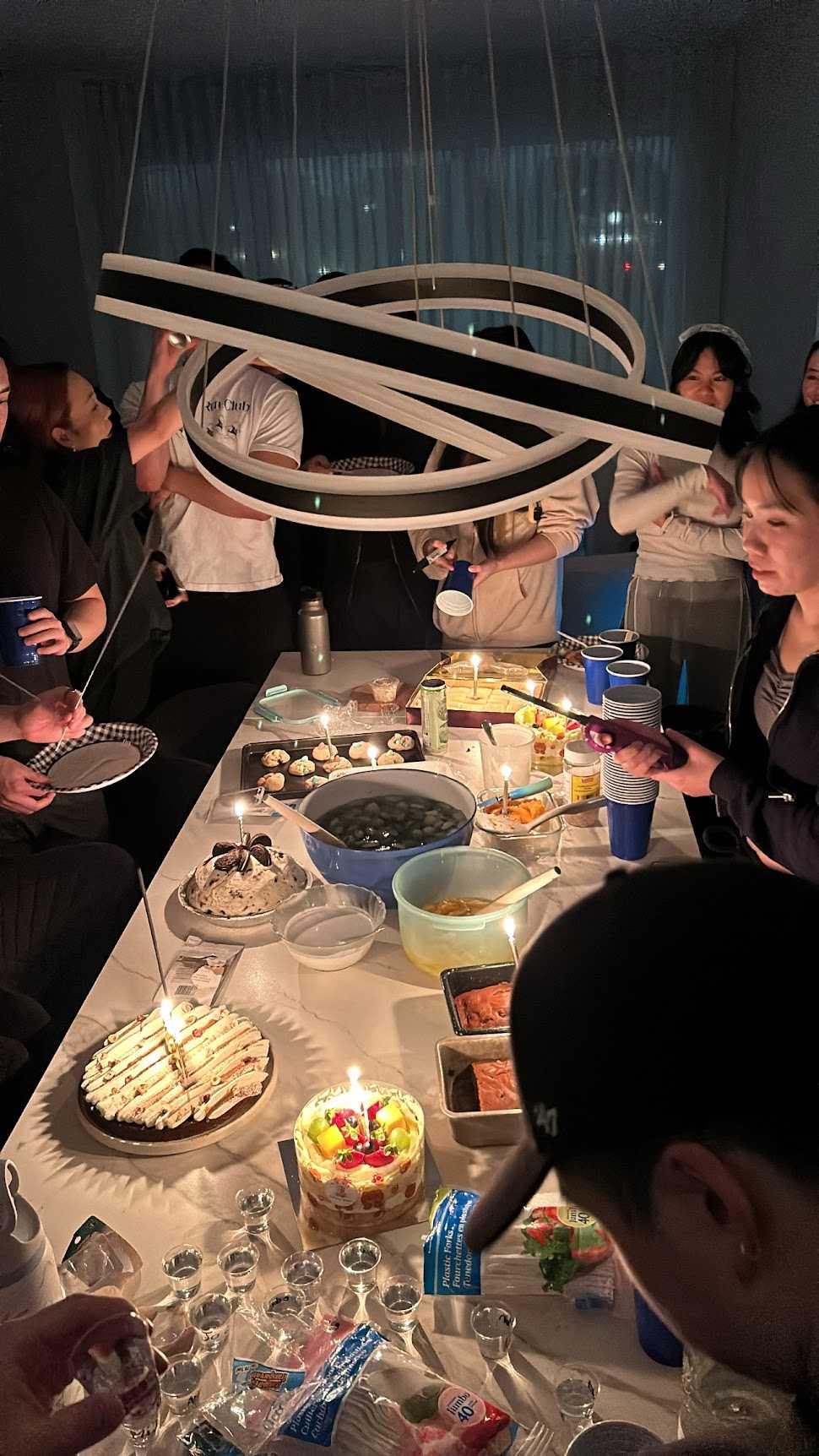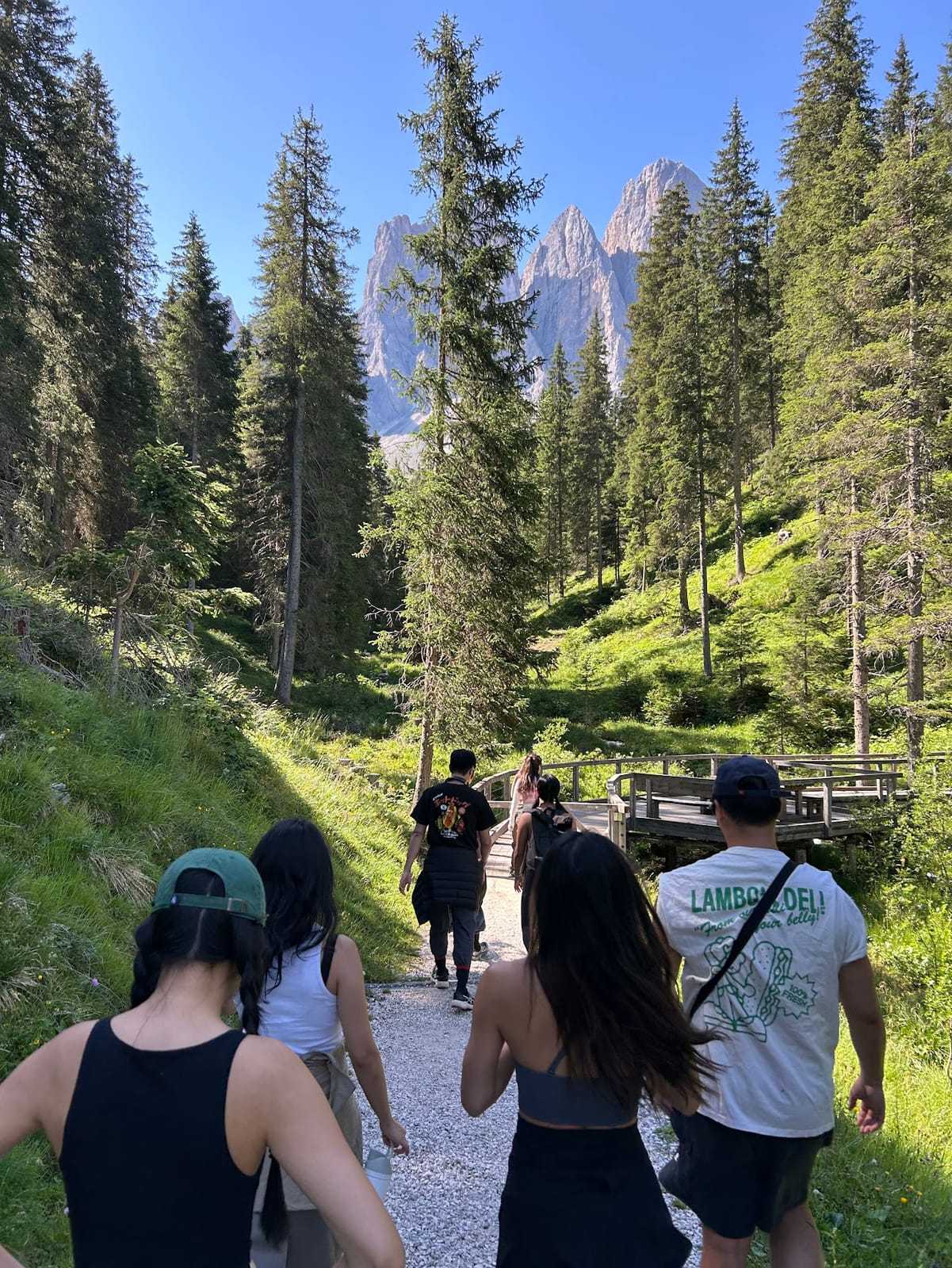
You have the photos. They're good. You want to do something with them.
Not an Instagram carousel, exactly. Something that moves. A short video that actually captures the energy of the trip or the night — the kind of thing you want to replay and send to people who were there.
The problem is that making that thing has always required either time, software, or enough patience to learn an app that's trying to be iMovie.
Dispo88 built something that skips all of that.
Try Dispo88 — no sign up needed
What a Memory Reel Is
A Memory Reel is a short video made from photos in your Dispo88 album. You pick the shots you want, click make reel, and about a minute later you have a video that's ready to share.
It runs entirely in your browser. No software to install, no file to upload to a third-party service, no waiting for something to render in the cloud. Everything happens locally on your device, which also means your photos aren't being sent anywhere.
The result is a clean, short video you can save to your phone or share directly.
How It Works
Once your camera's album has photos, you'll see the Memory Reel option inside the album view. Select the photos you want to include and then let it run. (If you're not logged in, you can use up to 3 photos.)
The video is assembled from your selections. It doesn't add aggressive transitions or auto-generated text overlays. It's just your photos, in order, playing out as a video.
Simple is the point. The photos are already good. They don't need help.
When It's Actually Useful
Memory Reels are good for a few specific situations.
After a trip, when you want to send something to the people who were there that's more than just a link to a photo album. A short video is easier to replay and share than a gallery of stills.
For a birthday or a special event, when you want to give someone a little record of the day in a format they can actually play.
For Instagram or TikTok, when you want to post something real and cohesive rather than a carousel of random shots.
It's not trying to be a full video production. It's trying to be the thing you make in two minutes that you're actually glad you made.
The Difference Between This and Auto-Generated Videos
A lot of apps will auto-generate a video from your photos. Google Photos does it. Apple Photos does it. They pick the shots, add music, put in some transitions, and send you a notification.
These are sometimes nice. They're also often not quite right. The wrong photos. The wrong pace. The kind of thing you watch once and close.
A Memory Reel on Dispo88 uses photos you choose from a camera you set up for a specific occasion. The photos are already the right ones — you were thinking about this event when you shot them. You're not asking an algorithm to guess what matters.
Free on Every Tier
Memory Reels work the same on every camera, free or paid: no watermark, no photo cap. The only requirement is being logged in if you want to use more than 3 photos.
Start With the Camera
You can't make a Memory Reel without first taking the photos, which means the starting point is setting up a shared camera for whatever event you're capturing.
That part takes about a minute. You create a camera, share the link, and everyone shoots throughout the event. When it's over, the album is ready and the Memory Reel is one step away.
Try the demo — no sign up needed Create a free account and start your first camera
The whole point of capturing an event is being able to look back at it. Memory Reels make that a little easier.
Want to see how Dispo88 works from the beginning? Here's a full walkthrough of setting up and using your first camera →